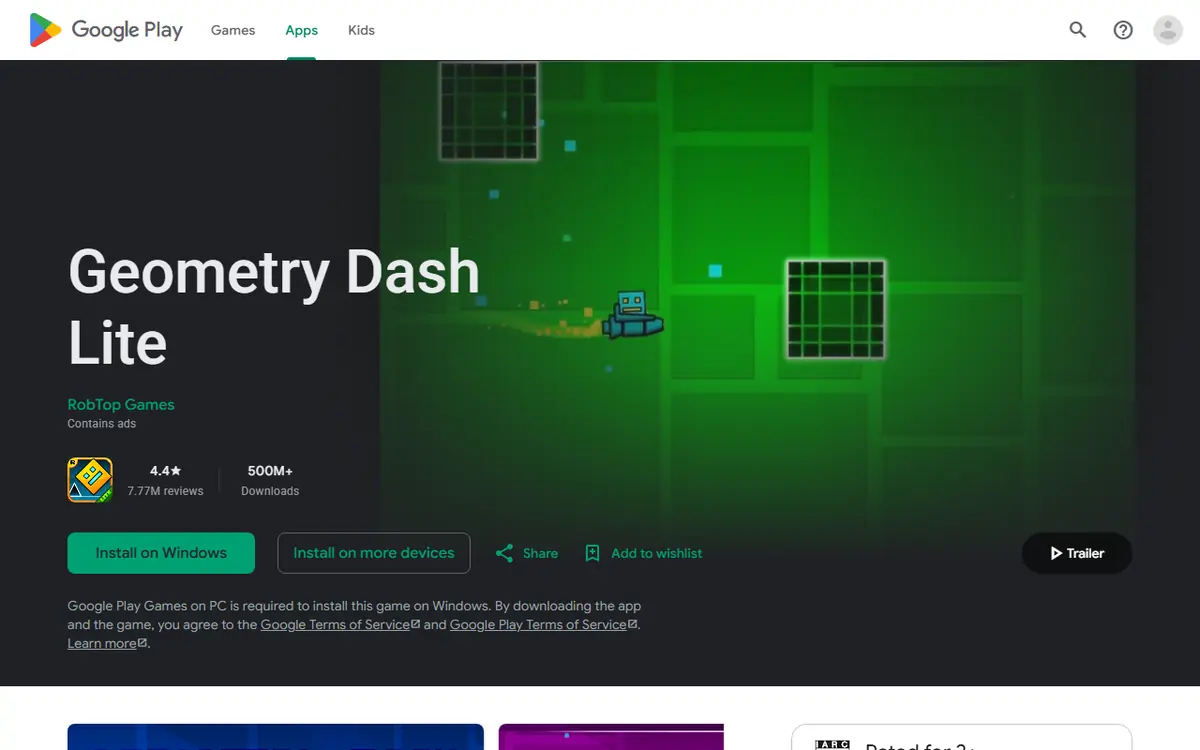
Geode Geometry Dash questions come up constantly from players who only have the free edition, and the most common one is simple: does Geode work with Geometry Dash Lite? No. Geode is built for the full, paid version of Geometry Dash, and there is no supported way to load it into Lite on any platform.
That answer frustrates people who just want to try a couple of mods first. This guide explains why the Lite combination does not exist, how the two editions differ, what Lite players can do now, how to move to the full game cleanly, and how to avoid the fake "Lite mod" downloads that target exactly this audience.
The Short Answer: Geode Needs the Full Version
Geode is a fan-made, open-source mod loader and SDK for Geometry Dash. The official install page lists Windows, macOS, Android, iOS (experimental) and Linux through Wine. Every one of those routes targets the full game:
- PC and Mac: the installer looks for a full Geometry Dash folder, normally the Steam version.
- Android: the launcher "launches a vanilla copy of Geometry Dash with the Geode loader added", meaning your installed Play Store copy of the full game.
- iOS: the Geode iOS launcher needs the full App Store game and iOS 14 or later.
If a page promises "Geode for Geometry Dash Lite", treat it as a warning sign, not a shortcut. The official project does not offer it.
Version Note
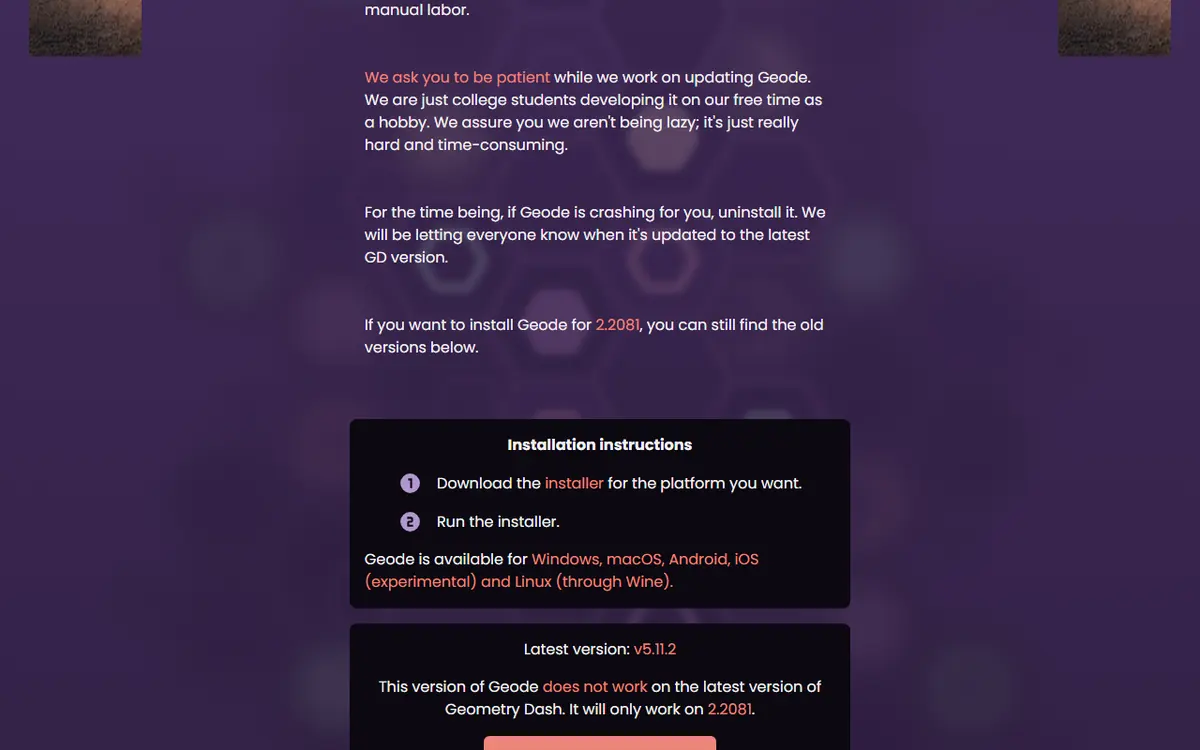
Even on the full game, Geode follows the game's update cycle. When we checked on November 5, 2026, the latest stable Geode, v5.11.2, only works on GD 2.2081, and the install page says Geode is currently broken on 2.2091. Support for 2.2091 exists only in v6.0.0-alpha.1 (November 1, 2026), an alpha meant for developers. None of this changes the Lite answer: no version of Geode, stable or alpha, targets Lite.
Why Geode Cannot Load Into Lite
Geode does not simply sit beside the game. It hooks into specific functions inside the game's code, so mods can change behavior through one shared framework instead of each mod patching the game on its own.
Mods Hook Into Exact Game Code
Every hook depends on knowing where particular functions live in a particular build. Geode and its mods are compiled against the full Geometry Dash. Lite is a separate app with a different, trimmed-down build, so the structures Geode expects are not the same. That is also why every full-game update temporarily breaks Geode: even small changes move things around. Supporting Lite would mean maintaining a whole separate target on top of that work.
Lite Lacks What Mods Extend
Many popular Geode mods improve the level editor, online levels, profiles or custom songs. Lite does not include the full editor or the full online experience, so much of the catalog would have nothing to attach to. An editor mod like BetterEdit makes no sense without the complete editor.
Effort Goes Where Players Are
Geode is maintained by volunteers. Keeping up with full-game updates across several platforms is already a big job, and spreading that effort to an edition that cannot run most mods would slow support for everyone else.
Geometry Dash Lite vs the Full Game
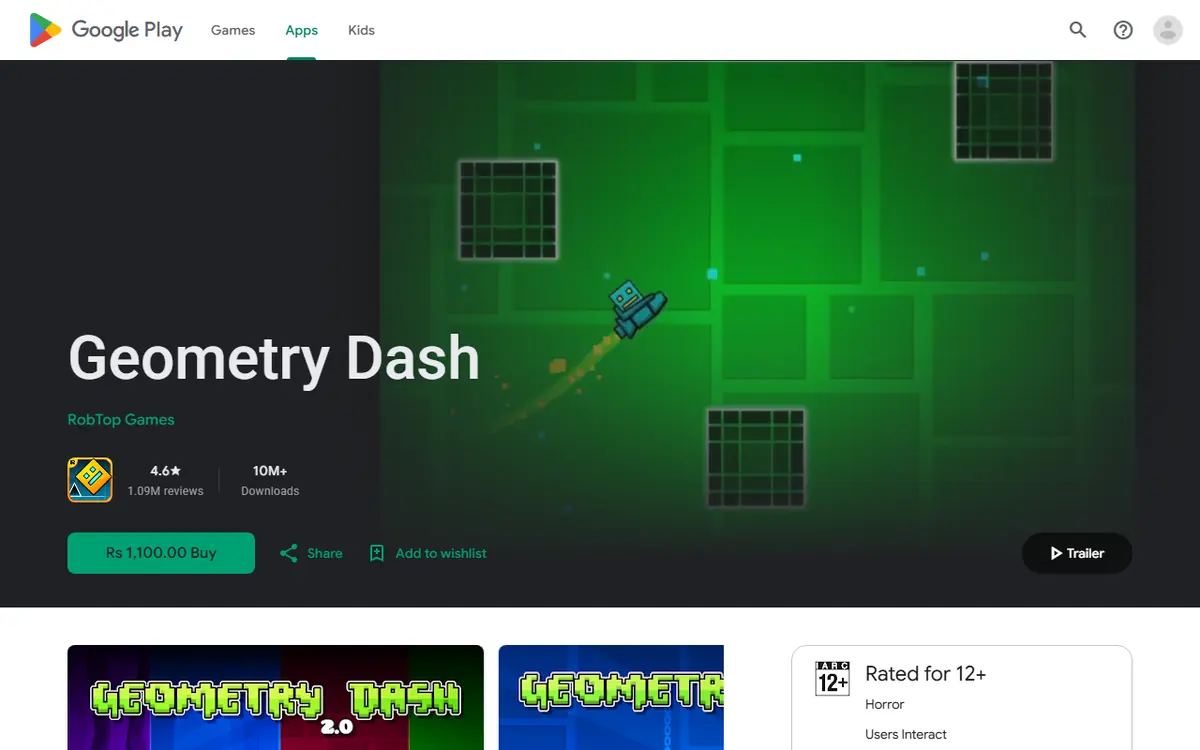
Lite is a sampler; the full game is the complete experience and the only edition the modding community builds for.
| Area | Geometry Dash Lite | Full Geometry Dash |
|---|---|---|
| Cost | Free | Paid, one-time purchase |
| Official levels | A limited selection | The complete official level set |
| Level editor | Not the full editor | Full level editor |
| Online levels | Restricted access | Full access to community levels |
| Geode support | Not supported | Windows, macOS, Android, iOS (experimental), Linux via Wine |
| Mod browser | Unavailable | Geode button on the main menu |
| Typical use | Trying the game | Long-term play, creating and modding |
The editor and online rows matter most, because those are exactly the parts Geode mods enhance.
What Lite Players Can Do Right Now
Build Your Skills
Timing, rhythm and reading obstacles carry over. Master the Lite levels and you start the full game with a real head start. Practice the same few levels until you can finish them consistently, because consistency matters more than speed once you move on to harder community levels and practice mods in the full game.
Learn What Mods Do
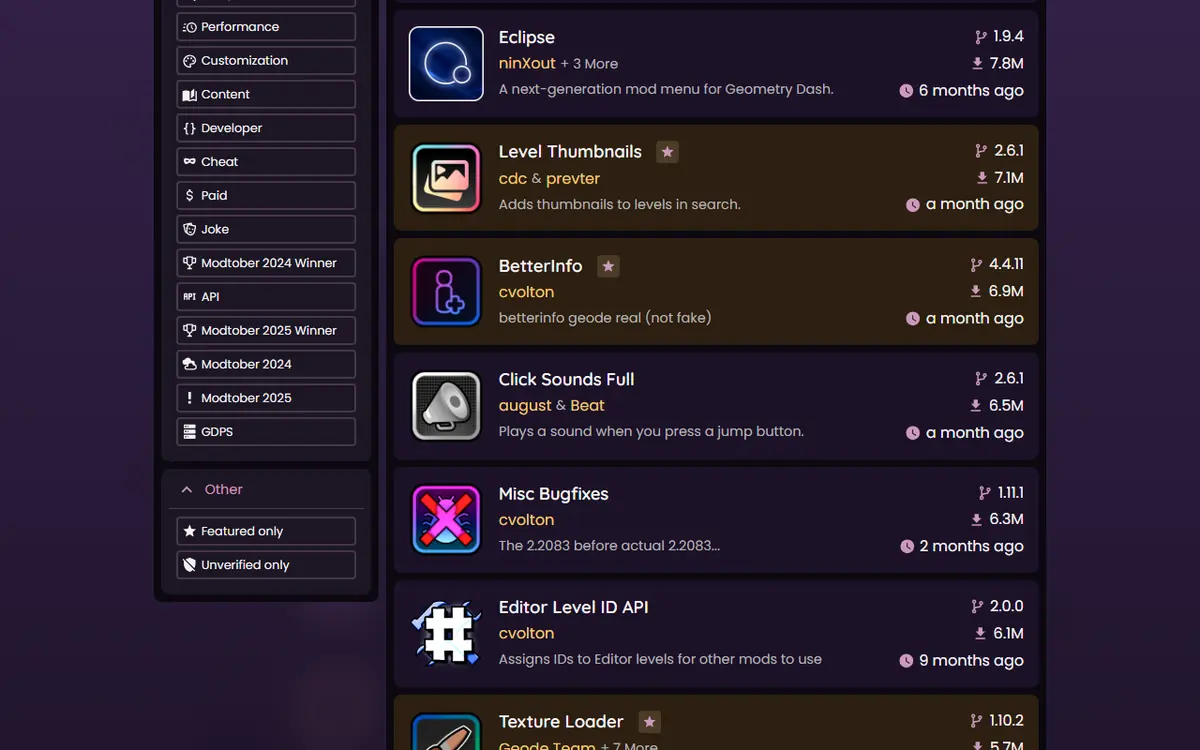
You can browse the official Geode mods index in a web browser without installing anything. When we checked, it listed 985 mods. Reading descriptions now helps you choose your first mods later. Well-known examples include Globed (multiplayer), QOLMod (a free mod menu), BetterInfo (extra level and profile info), BetterEdit (editor improvements), Startpos Switcher (practice from start positions) and Texture Loader (texture packs). Our Geode starter pack of first 10 mods is a good shortlist.
Plan Your Platform
Decide where you will mod. Windows and macOS use the installer, Android and iOS use a launcher, and Linux runs the Windows build through Wine. Knowing this now saves time later, and it tells you which store to buy the full game from so the Geode installer or launcher can find it.
Upgrading From Lite to the Full Game
Moving to the full game is the only legitimate route to Geode Geometry Dash modding. Do it in this order:
- Back up what you can. Check the account and save options before changing anything.
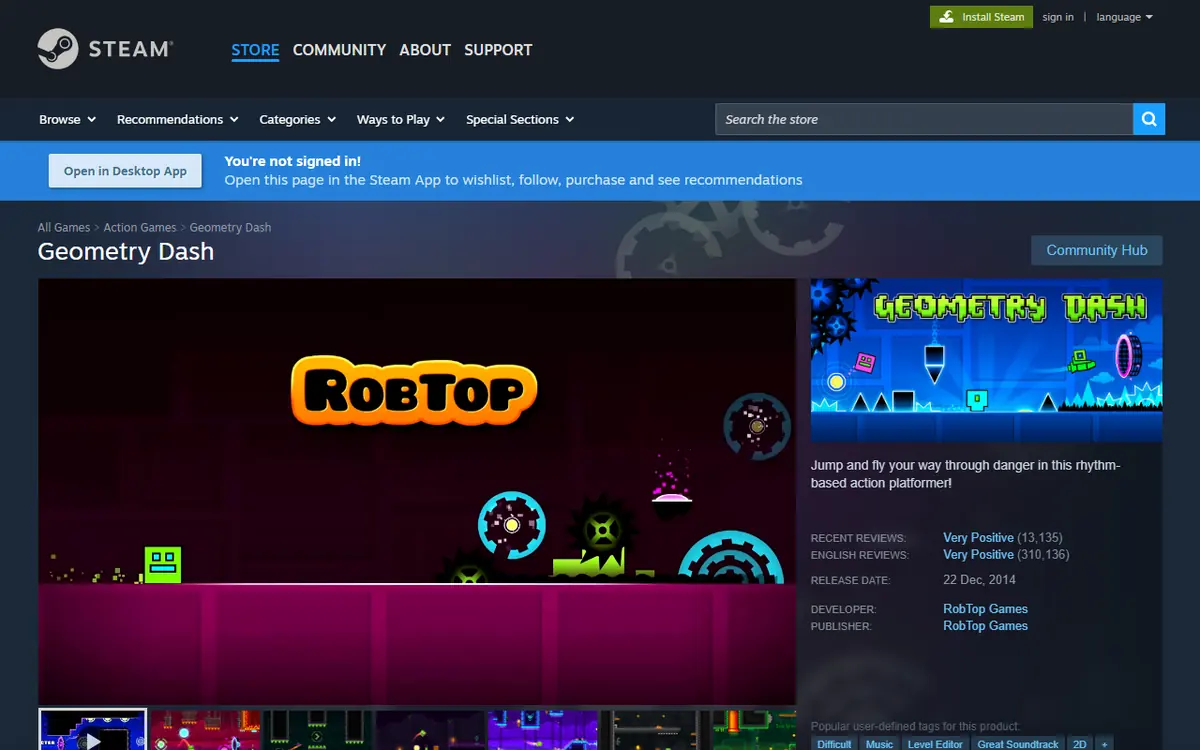
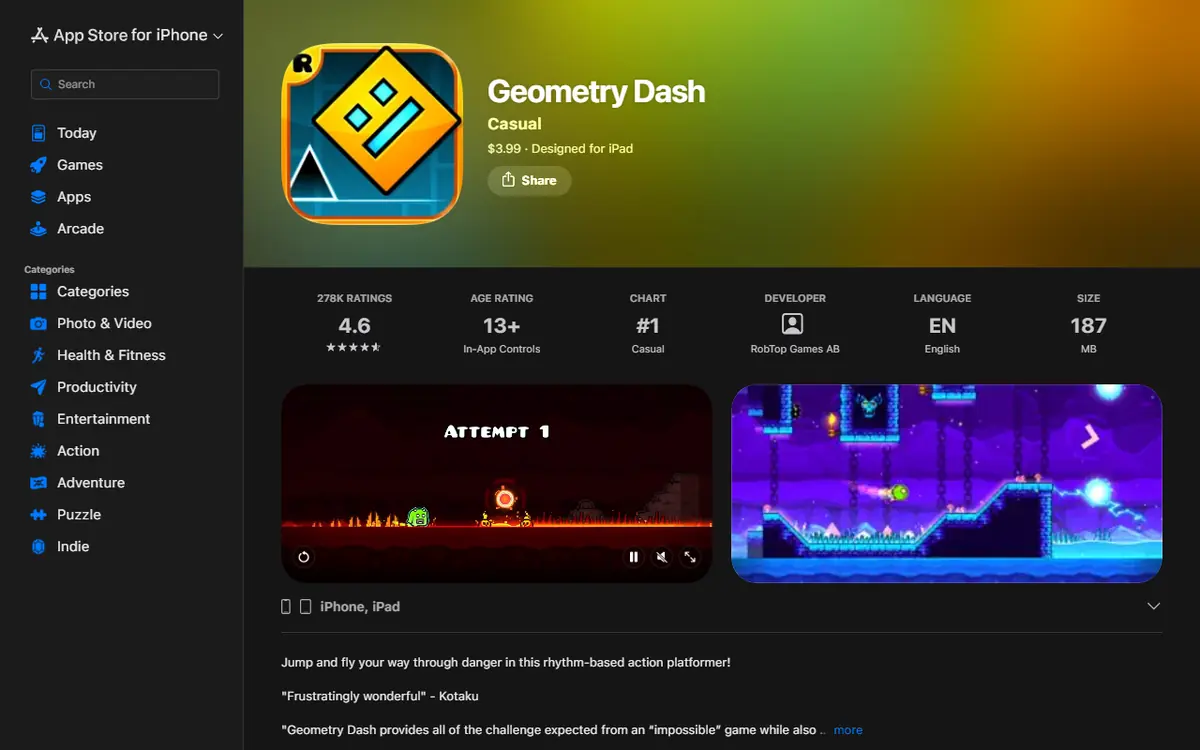
- Buy the full game from an official store: Steam on PC, Google Play on Android, the App Store on iOS. A legitimate copy matters because the launchers load your installed official copy.
- Launch the full game once and confirm it runs before adding mods.
- Install Geode for your platform from the official install page.
- Open the Geode button in the bottom row of the main menu to browse and install mods.
Platform Notes
Windows and Mac: the installer tries to detect your game folder; Steam users can find it with Manage, then Browse local files. See the Geode PC install guide.
Android: install the Geode launcher APK linked from the install page (v1.9.0 when we checked) and allow your browser to install unknown apps for it.
iOS: the launcher's INSTALL guide lists several methods, such as TrollStore, SideStore and LiveContainer. Full mod support needs JIT, which requires a computer to set up; without it, support is partial. Our Geode iOS launcher guide compares the methods.
Do you need to uninstall Lite? No. They are separate apps. Some players remove Lite only to avoid opening the wrong icon by habit.
Avoiding Fake "Lite Mod" Downloads
Because so many people search for a free way to use mods, "Geode Geometry Dash Lite" attracts low-quality and sometimes harmful pages.
Red Flags
- A "Geode Lite APK" or a modded Lite bundle with everything pre-installed.
- Downloads that include a cracked copy of the full game.
- Repositories that copy the Geode name but are not part of the official geode-sdk GitHub organization.
- Any tool that asks for your Geometry Dash password. Geode does not need it.
- Requests to disable your antivirus, survey walls or "unlock" codes.
Why They Are Risky
Geode is open source, so its code can be inspected. A random bundle has no such transparency: it might contain malware, steal account details or simply not work. Cracked game copies do not receive proper updates and undercut the developer who made the game. For a fuller checklist, read is Geode Geometry Dash safe.
Where to Get Geode Safely
Only from geode-sdk.org or the official geode-sdk GitHub organization. Mods should come through the in-game browser or the official index.
Common Myths About Geode and Lite
"There is a secret Lite build on GitHub"
There is not. The official geode-sdk organization publishes the loader, the Android and iOS launchers, the CLI and the SDK. Each Geode release ships installers and packages for Windows, macOS, Linux, Android and iOS, all built for the full game. Anything called "Geode Lite" lives somewhere else and should be avoided.
"A mod menu APK is the same thing as Geode"
It is not. Geode is a loader with an in-game browser that pulls mods from the official index. A standalone "mod menu APK" is usually a modified game file from an unknown source, which is exactly the kind of download the safety section warns about.
"Lite will get Geode support after the next update"
Nothing official suggests this. The Geode team's current work, visible on the install page and in the v6 alpha release notes, is about supporting the newest full-game version. Updates to the full game are already a lot of work for a volunteer team.
"I need to pay for Geode once I own the game"
No. Geode itself is free. A small number of individual mods are paid, and the index labels them, so you always know before you install.
Getting Started on the Full Version
- Start small. Install two or three mods, play, and confirm everything works before adding more.
- Let dependencies install automatically. Many mods rely on Node IDs, and Geode loads declared dependencies in the right order.
- Use toggles. Every mod can be enabled or disabled individually, which is faster than uninstalling when something misbehaves.
- Know about paid mods. Geode is free, but the official FAQ notes some individual mods may be paid.
Troubleshooting for New Full-Game Players
| Situation | What to do |
|---|---|
| No Geode button after installing | Check you opened the full game, not Lite; on Android, open the launcher |
| Game just updated and mods stopped | Wait for a compatible stable Geode and disable outdated mods |
| One mod causes crashes | Start in Safe Mode (hold Shift on PC or Mac, hold Launch on Android) and disable it |
| Want to remove Geode | Use the official installer's uninstall option or uninstall the launcher |
Frequently Asked Questions
Is there an official version of Geode for Geometry Dash Lite?
No. Geode targets the full version of Geometry Dash only. There is no official Lite build, and pages claiming otherwise are not part of the Geode project.
Can I use Geode on Android without buying the full game?
No. The Geode Android launcher launches a vanilla copy of the full Geometry Dash with the Geode loader added. Without the full game installed, there is nothing for it to load.
Will my Lite progress carry over to the full version?
Lite and the full game are separate apps, so do not assume progress moves automatically. Check the in-game account options in both before switching, and keep your full-game progress backed up to an account.
Are Lite mod menu APKs safe to try?
They are not from the Geode team and carry real risk, including malware and account theft. Download Geode only from geode-sdk.org or the official geode-sdk GitHub organization.
Is Geode itself free once I own the full game?
Yes. The official FAQ says Geode is free. Some individual mods may be paid, and the mods index marks those, such as the Mega Hack Installer, with a paid tag.
Can I keep Lite installed after buying the full game?
Yes, they are separate apps and can usually coexist. Geode only works with the full version, so Lite simply stays as it is.
