Geode Geometry Dash on Android works differently from the desktop version, and that difference is the key to a smooth setup. Instead of patching files inside the game, Geode uses a separate launcher app that starts your existing copy of Geometry Dash with the mod loader attached. This guide explains how the launcher works, which permissions it needs, why the full Play Store game matters, and how to recover when something goes wrong.
Geode is a fan-made, open-source mod loader and modding SDK that lets mods work together through a shared framework. This site is an unofficial guide, not the Geode team, so always rely on the official Geode install page for the actual download.
Version Note for Android Players
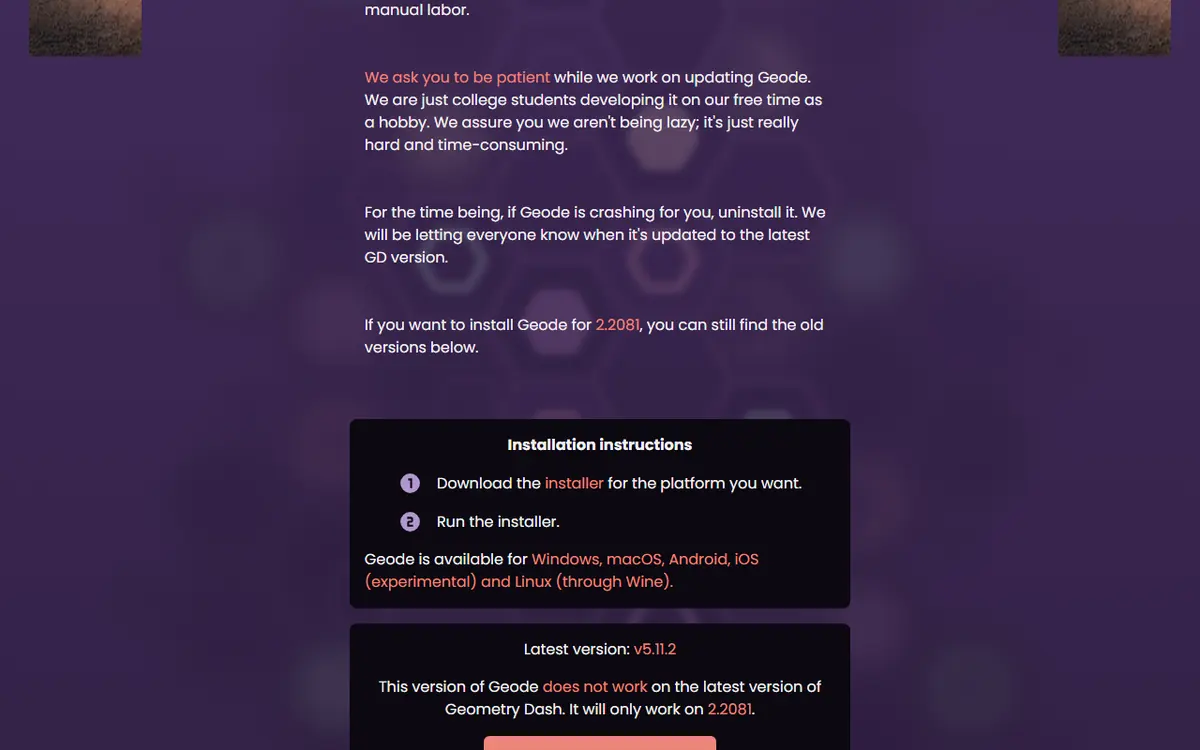
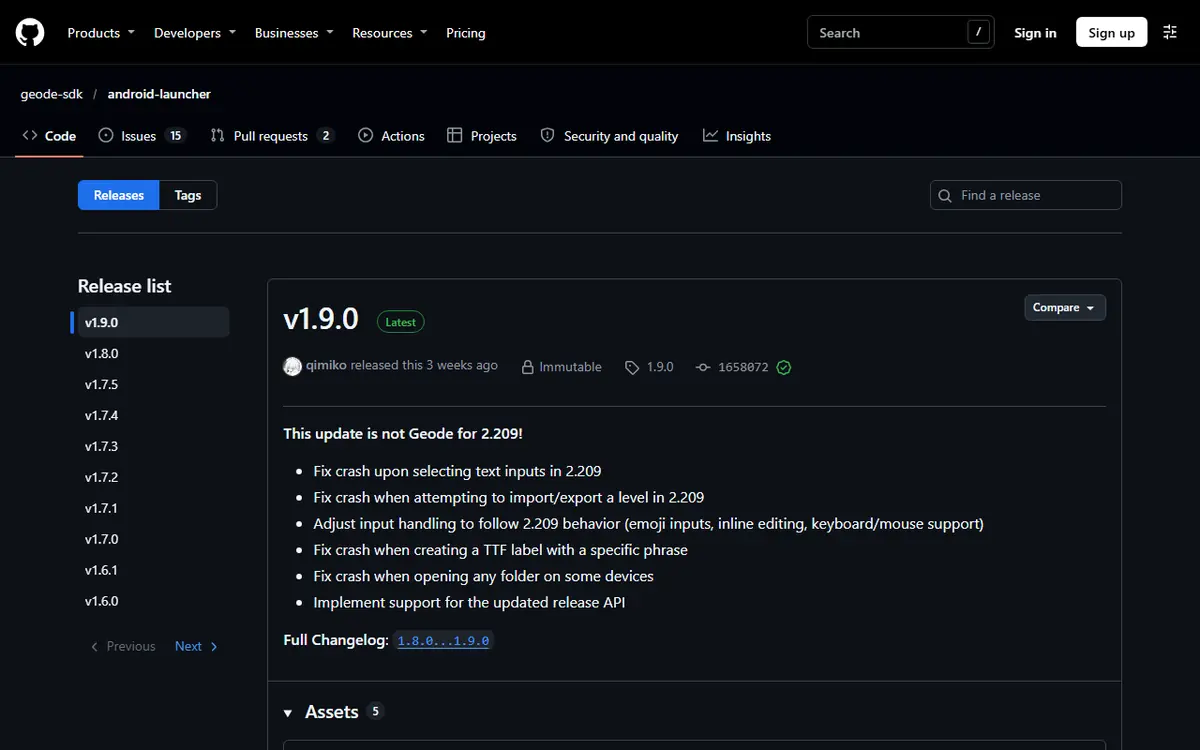
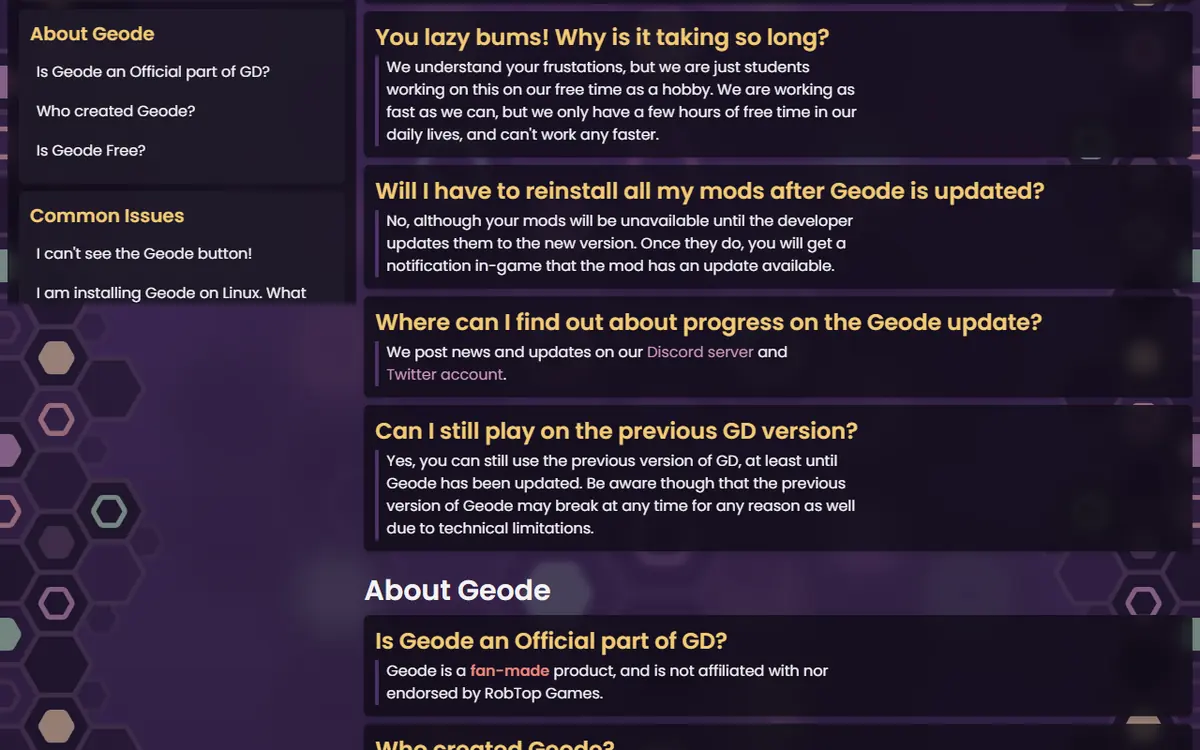
On November 5, 2026, the official install page listed the Geode Android launcher v1.9.0 as the Android download. The latest stable Geode loader is v5.11.2 (October 15, 2026), which works on GD 2.2081. Support for GD 2.2091 currently exists only in v6.0.0-alpha.1 (November 1, 2026), an alpha aimed at developers, and the install page says Geode is broken on 2.2091 for now. If your Play Store game has already updated, expect to wait for a stable release.
How Geode Works on Android
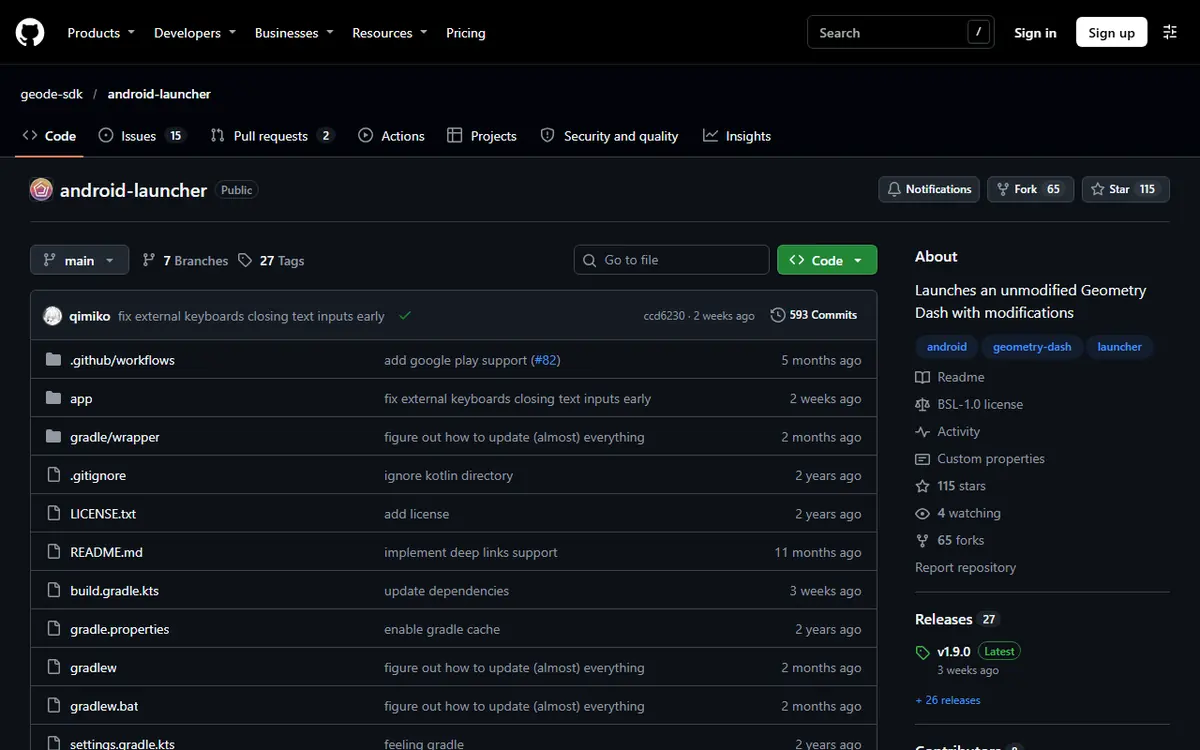
According to its GitHub README, the Android launcher "launches a vanilla copy of Geometry Dash with the Geode loader added." You install the launcher as its own app, and your original game stays installed and untouched. You can still open Geometry Dash normally whenever you want an unmodded session.
This approach has practical benefits. You do not need to replace the game, your Play Store copy keeps updating through the store, and removing Geode is as simple as uninstalling the launcher.
| Component | Where It Comes From | Its Job |
|---|---|---|
| Geometry Dash (full version) | Google Play | The game you own |
| Geode launcher | APK from geode-sdk.org/install or the geode-sdk GitHub | Starts the game with Geode loaded |
| Geode menu | Inside the game after launch | Browse, install, enable and configure mods |
| Mods | The official mods index, via the in-game browser | Features, tools and visual changes |
Requirements Before You Install
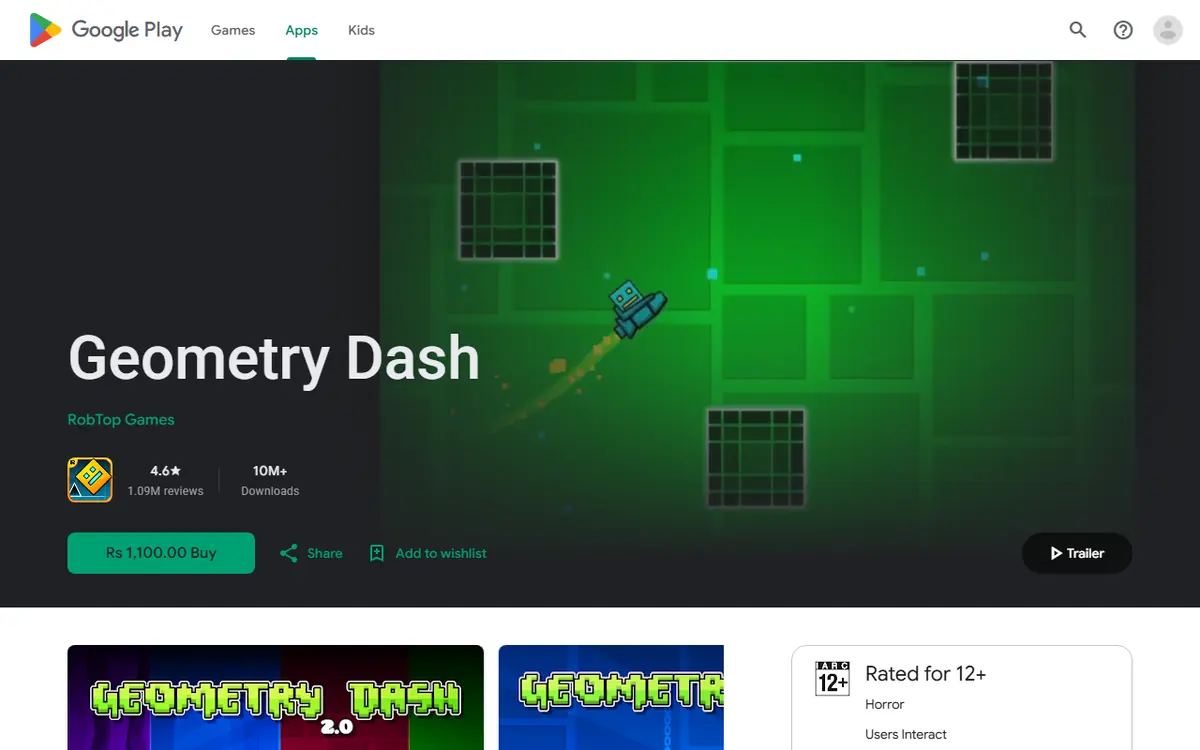
- The full Geometry Dash from Google Play. The launcher loads your installed, legitimate copy. Lite is not supported.
- A supported game version. See the version note above.
- Permission to install unknown apps for the browser or file manager you use to open the APK.
- Free storage for mods and their resources, especially texture packs.
- A synced save. Save your progress to your Geometry Dash account from the in-game options first.
Why Cracked or Modified APKs Are a Bad Idea
You will find pages offering a "Geode APK" bundled with a free copy of the game. Avoid them. They are not official, they bypass the purchase the launcher expects, and they are a well-known way to spread malware or steal accounts. Our Geode safety guide explains how to spot fakes.
Installing the Geode Launcher Step by Step
Android menus are worded differently on each phone brand, but the Geode Geometry Dash mobile install flow is the same everywhere.
- Install the full game from Google Play and open it once.
- Download the launcher APK by tapping the Android button on geode-sdk.org/install. The file comes from the official geode-sdk/android-launcher releases.
- Open the downloaded file from your browser downloads or file manager.
- Allow installs from this source when Android asks.
- Install and open the launcher, grant any storage access it requests, and let it finish first-time setup.
- Launch the game from the Geode app. The Geode button appears on the main menu.
Afterwards, you can turn the "install unknown apps" permission back off for your browser. Geode does not need it to run, and you can enable it again when a launcher update arrives.
Understanding the Permissions
Permission prompts make some players nervous, and that caution is healthy. Here is what each request means in plain terms.
Install Unknown Apps
This setting lets a specific app, such as Chrome or a file manager, install APK files. It is required only because the launcher is not distributed through the Play Store. It does not give Geode itself any special power over your phone; it simply allows the installation to happen.
Storage Access
Depending on your Android version, the launcher may ask for storage access. Geode keeps mods, their resources and logs on your device. According to the official docs, mods for the launcher live under Android/media/com.geode.launcher/game/geode/mods/ on internal storage. If you decline storage access when asked, mods may fail to download or save their settings.
Your Geometry Dash Password
Geode never needs your Geometry Dash password. Logging in through the game's own account menu is the normal way to sync progress. Any app or website that asks for your password to "unlock" Geode is a scam.
Keeping the Launcher Updated
The official FAQ advises Android players to make sure they have the latest version of the launcher before troubleshooting anything else. New launcher builds are published on the geode-sdk/android-launcher releases page and linked from the install page. To update, download the new APK from the same official source and install it over the old one; you may need to re-enable "install unknown apps" for a moment. Keep the launcher and the Play Store game updated together, but remember that a brand-new game update can still require a matching Geode release before mods work again.
Installing Mods on Mobile
Once the game starts through the launcher, tap the Geode button, open the Download tab, search or scroll, open a mod's page and tap install. Restart through the launcher when prompted. Dependencies such as Node IDs are installed automatically. If you are not sure where to begin, our starter pack of the first 10 Geode mods covers safe picks.
Popular cross-platform mods in the official index include Globed for multiplayer, Jukebox for replacing level songs, BetterInfo for extra level and profile details, and Startpos Switcher for practice. Before installing anything, check the mod's page for Android support, because the index lists Android 64-bit and 32-bit separately and not every mod supports both.
Dependencies, Toggles and Settings
Every installed mod can be enabled or disabled separately from the Geode menu, and most have their own settings page with sliders and toggles adapted for touch. When something misbehaves, disable a mod before you uninstall it. It is quicker to test, easier to undo, and keeps your settings in place if the mod turns out to be innocent.
Performance Tips for Phones
- Install mods gradually so you can tell which one slows things down.
- Be selective with high-resolution texture packs on older devices.
- Disable mods you are not using.
- Close background apps and watch battery saver modes, which can throttle performance.
- If frame rate drops during long sessions, the phone may be hot; a short break often helps more than removing mods.
Troubleshooting Common Android Problems
The Launcher Cannot Find the Game
The launcher needs the full Play Store version. If only Lite or a copy from another source is installed, it will not work. Install the full game, open it once, and try again.
The APK Will Not Install
Check that you allowed "install unknown apps" for the app that opened the file. A parsing error usually means an incomplete download; delete it and download again from the official install page.
I Opened the Game but There Is No Geode Button
You probably tapped the normal Geometry Dash icon. That opens the unmodded game. Always start through the Geode launcher app; it is easy to mix the two up on a busy home screen, so consider placing the launcher where the old game icon used to be.
Mods Will Not Download
Check your internet connection and free storage first. If a specific mod does not appear or will not install, open its page in the official index and check whether it lists Android support for your device type; a mod may support only 64-bit Android, or may not be updated for your game version yet.
The Game Crashes After Adding a Mod
Start in Safe Mode, which loads no mods. The official Geode FAQ says to press and hold the Launch button in the Geode app. Then disable the most recent mod from the Geode menu.
The Launcher Keeps Auto-Launching Into a Crash
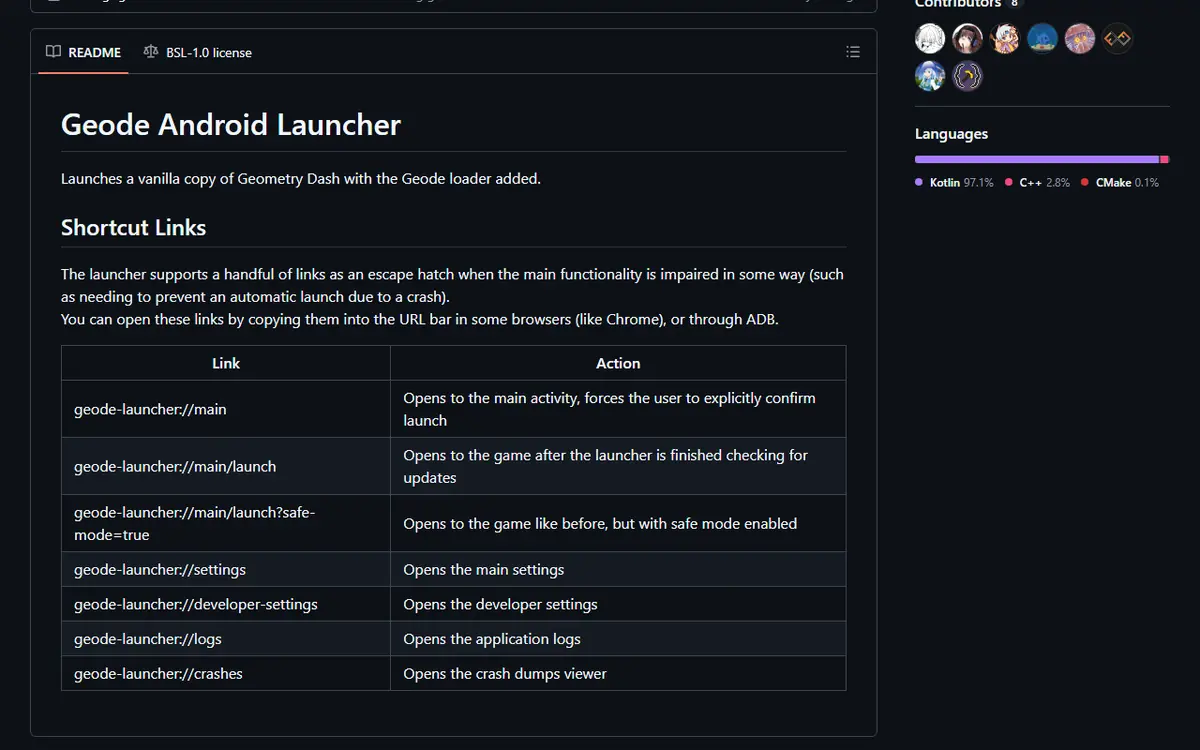
The launcher README lists escape-hatch links you can paste into Chrome's address bar (or open through ADB):
geode-launcher://mainopens the launcher and forces you to confirm before launching.geode-launcher://main/launch?safe-mode=truelaunches the game in Safe Mode.geode-launcher://logsandgeode-launcher://crashesopen the logs and crash dumps.geode-launcher://settingsopens the launcher settings.
Geode Stopped Working After a Game Update
Every Geometry Dash update can break Geode until a compatible release ships. This happened after 2.206, 2.207, 2.2081 and now 2.2091. Wait for a stable release, disable outdated mods, and avoid reinstalling repeatedly. The official FAQ confirms you will not need to reinstall your mods afterwards. More fixes are in our Geode not working guide.
Playing Safely and Fairly on Mobile
Download only from geode-sdk.org or the official Android launcher repository. Geode never needs your Geometry Dash password; if an app or website asks for it during setup, treat it as a scam. Cheat-style features such as noclip or speedhack in mod menus are fine for practice, but using them on leaderboard or rated completions can get you leaderboard-banned.
Platform Notes and Removing Geode
iPhone and iPad players need a different launcher and install method, covered in the Geode iOS launcher guide. To remove Geode from Android, uninstall the launcher app. Your original Geometry Dash stays installed, and save data lives with the game rather than the mods, but syncing to your account first is still the safer choice.
Frequently Asked Questions
Do I need the paid version of Geometry Dash to use Geode on Android?
Yes. The launcher starts your installed, legitimate copy of the full game. Geometry Dash Lite is not supported, so the free version will not work with Geode.
Why is the Geode launcher not on the Play Store?
The launcher is distributed as an APK through the official Geode install page and the geode-sdk GitHub organization. That is why Android asks you to allow installs from unknown apps for your browser or file manager.
How do I start Geode in Safe Mode on Android?
The official Geode FAQ says to press and hold the Launch button in the Geode app. Safe Mode loads no mods. You can also open the link geode-launcher://main/launch?safe-mode=true in Chrome.
Will the launcher replace my original Geometry Dash app?
No. The launcher is a separate app that starts a vanilla copy of your game with the Geode loader added. Your original app stays installed for unmodded sessions.
Can I use the same mods on Android as on PC?
Many mods support several platforms, but not all. Check each mod's page in the official index; the index lists Android 64-bit and Android 32-bit support separately.
What should I do if Geode breaks after a game update?
Wait for a compatible Geode release instead of reinstalling. As of November 5, 2026, stable Geode v5.11.2 supports GD 2.2081, and 2.2091 support exists only in a developer alpha.
