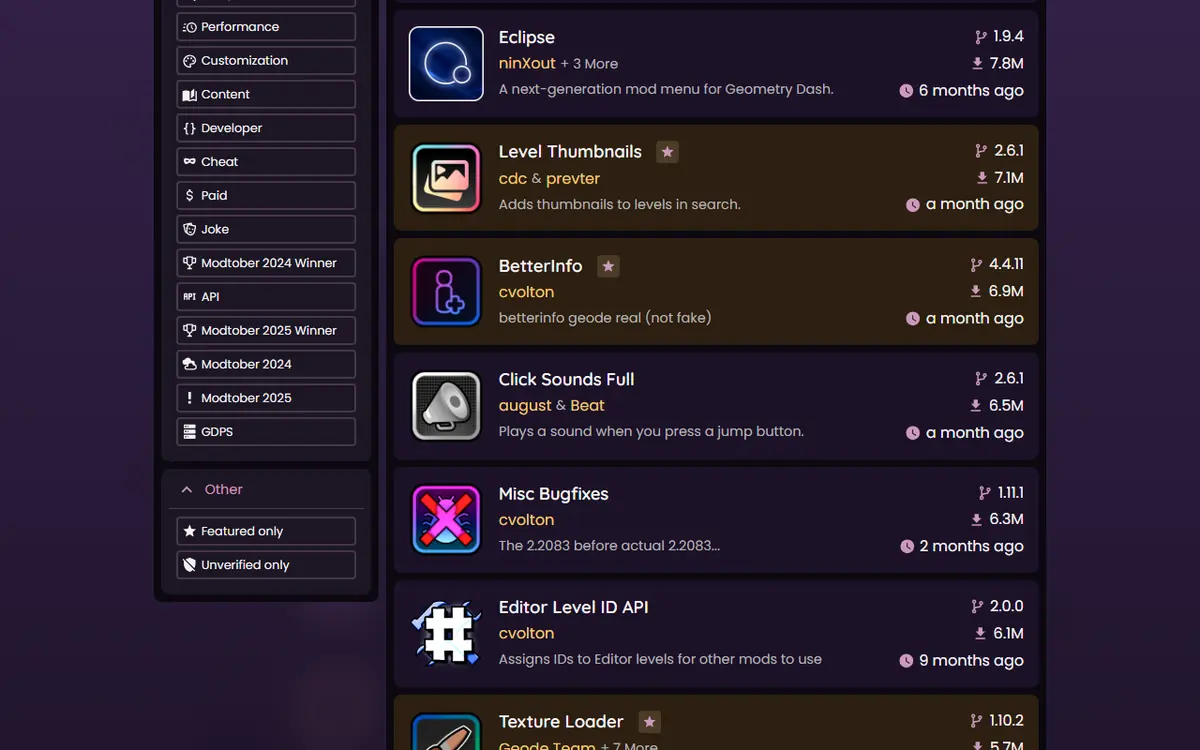
Geode Geometry Dash gives you access to 985 mods, and the hardest part for a new player is knowing where to start. Install too many at once and a crash becomes a guessing game; install the wrong kind and you might switch on cheat features without realizing it. This starter pack picks ten free, cross-platform, low-risk mods from the official Geode index and puts them in a sensible order.
Each pick was chosen with four rules: it is free in the index, it lists Windows, macOS, Android and iOS builds, it is not tagged as a cheat, and it has a current build for GD 2.2081. Versions and download counts come from the official index, checked November 5, 2026. We describe what each mod is for; we do not claim to have tested every combination.
Before You Install Anything
You need Geode itself first. Windows and macOS players use the official installer, Android players use the Geode launcher, and iOS players follow the experimental iOS launcher guide. If you have not done this yet, start with our Geode PC install guide or the guide for your device, then come back here.
Version note: as of November 5, 2026, stable Geode v5.11.2 supports GD 2.2081. GD 2.2091 support exists only in the developer alpha v6.0.0-alpha.1, and the official install page says Geode is currently broken on 2.2091. Every mod below targets 2.2081.
The Geode Starter Pack at a Glance
| # | Mod | Creator | What it does | Latest version | Downloads |
|---|---|---|---|---|---|
| 1 | Misc Bugfixes | cvolton | Fixes small vanilla bugs | 1.11.1 | 6,370,100 |
| 2 | Backups | HJfod | Backs up your progress | 2.1.1 | 864,010 |
| 3 | BetterInfo | cvolton | Extra level and profile info | 4.4.11 | 6,985,420 |
| 4 | Level Thumbnails | cdc | Thumbnails in level search | 2.6.1 | 7,192,882 |
| 5 | Custom Keybinds | Geode Team | Rebind game controls | 2.2.2 | 8,545,337 |
| 6 | Startpos Switcher | capeling | Switch start positions in practice | 1.0.10 | 1,406,373 |
| 7 | Jukebox | Fleym | Song manager for NONG songs | 3.8.0 | 9,742,341 |
| 8 | Texture Loader | Geode Team | Texture pack manager | 1.10.2 | 5,772,257 |
| 9 | More Icons | hiimjasmine00 | Custom icons | 2.1.3 | 5,605,243 |
| 10 | Globed | dankmeme | Online multiplayer | 2.2.2 | 10,227,977 |
The order runs from "invisible but useful" to "changes how the game feels", so each step is easy to undo if you do not like it. Download counts are totals from the official index on November 5, 2026, and they show popularity rather than quality.
Why These Ten and Not Others
Download counts alone would produce a different list. The most downloaded mod in the index, Node IDs, is a helper library that Geode installs automatically when another mod needs it, so you never need to pick it yourself. Two of the next most popular mods, QOLMod and Eclipse, are full mod menus that the index tags as including cheat features. They are excellent tools for experienced players, but a beginner can switch on noclip or speed changes without realizing what they do to leaderboard eligibility.
Instead, this pack covers one need at a time: fixing bugs, protecting your save, seeing more information, comfortable controls, focused practice, music, visuals, icons and finally online play. Every pick is free, lists all four platforms, and has a current build. That makes the pack identical on a Windows PC, a Mac, an Android phone and an iPhone, which matters if you play on more than one device and want the same setup everywhere.
Step 1: Stability and Safety
1. Misc Bugfixes (cvolton)
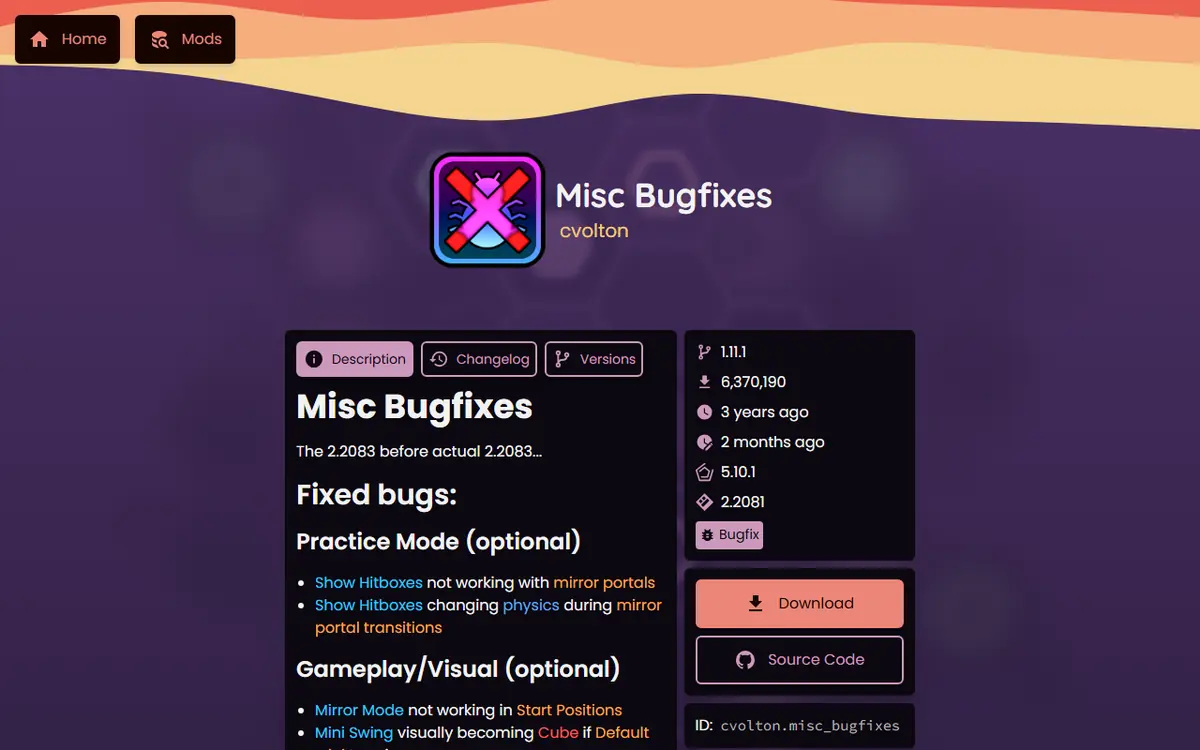
Fixes a collection of small vanilla Geometry Dash bugs. It is a quiet, background install that makes a good first test that Geode is working. Misc Bugfixes on the official index.
2. Backups (HJfod)
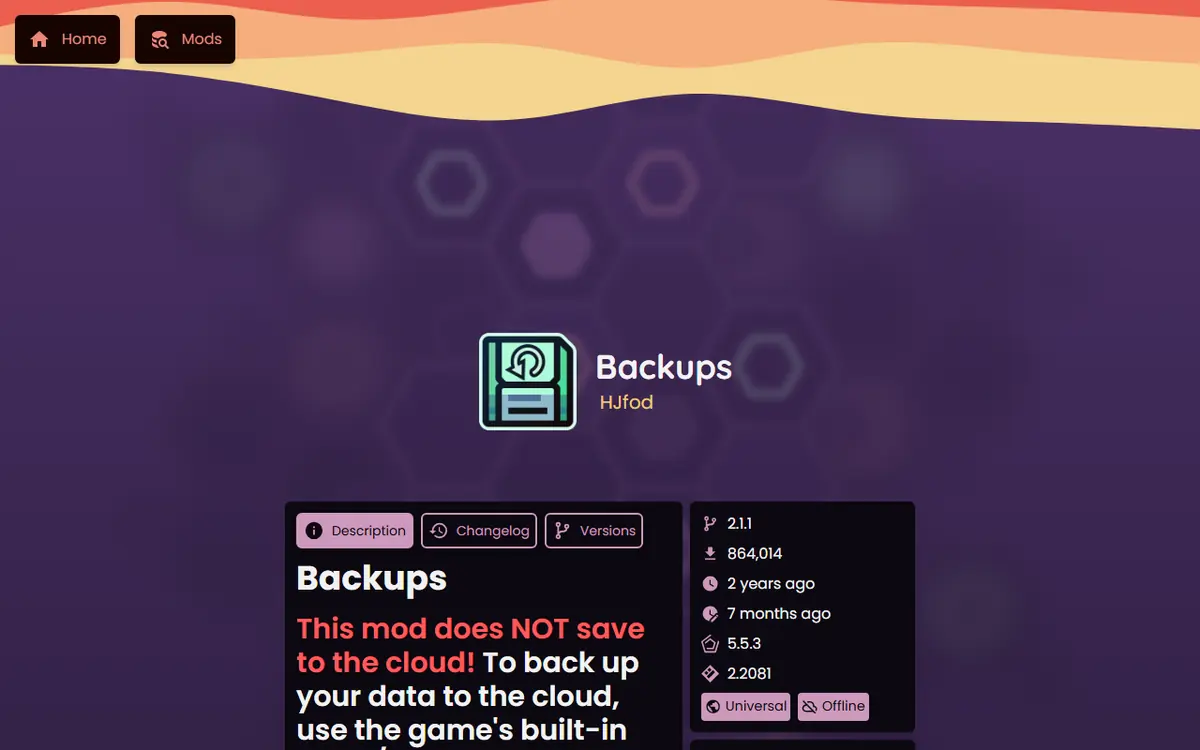
Its index description reads "Never lose your progress again!" Installing a backup tool before you experiment is the cheapest insurance in modding. Pair it with your in-game account save, and read our save backup and transfer guide for the full routine. Backups on the official index.
Step 2: Information and Controls
3. BetterInfo (cvolton)
Adds extra information screens for levels, profiles and leaderboards. It changes what you can see, not how the game plays, so it is about as low-risk as mods get. BetterInfo on the official index.
4. Level Thumbnails (cdc)
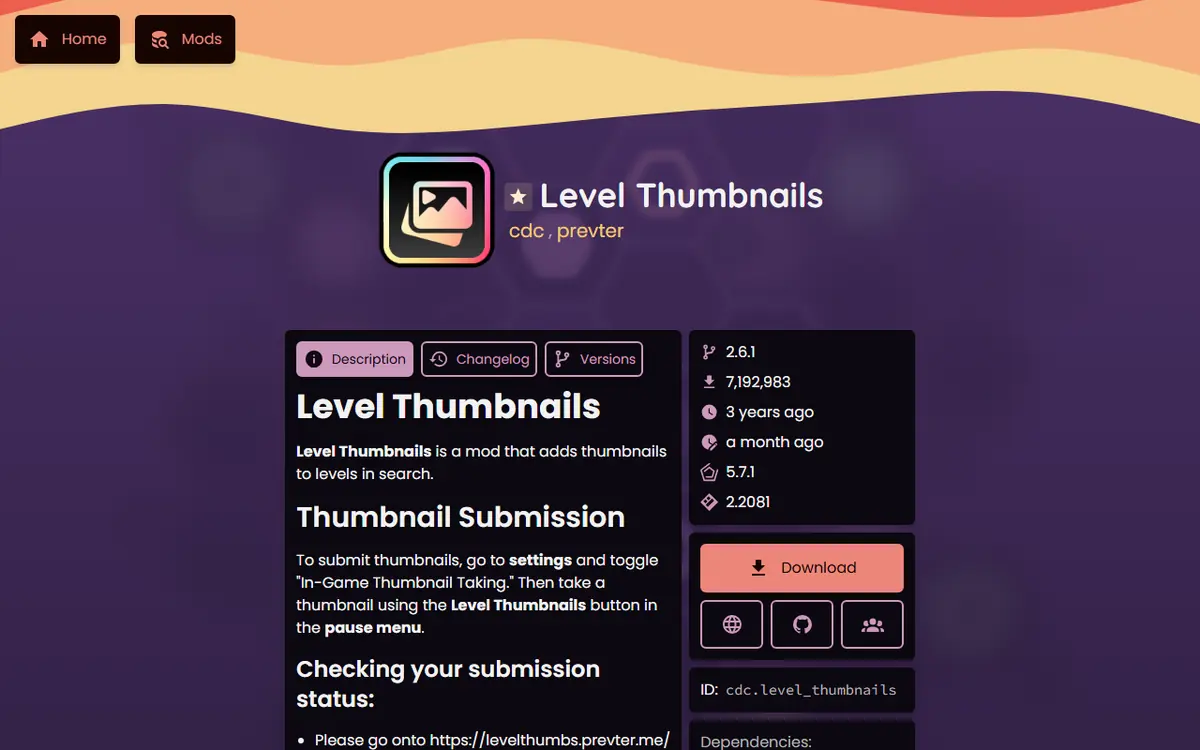
Adds thumbnails to levels in search, which makes browsing online levels much faster. Level Thumbnails on the official index.
5. Custom Keybinds (Geode Team)
The official keybinds mod. Remap jump, pause and other controls to suit your keyboard or controller. Geode v6 reworks keybinds to integrate with RobTop's own system, so settings may change when v6 is stable. Custom Keybinds on the official index.
Step 3: Practice
6. Startpos Switcher (capeling)
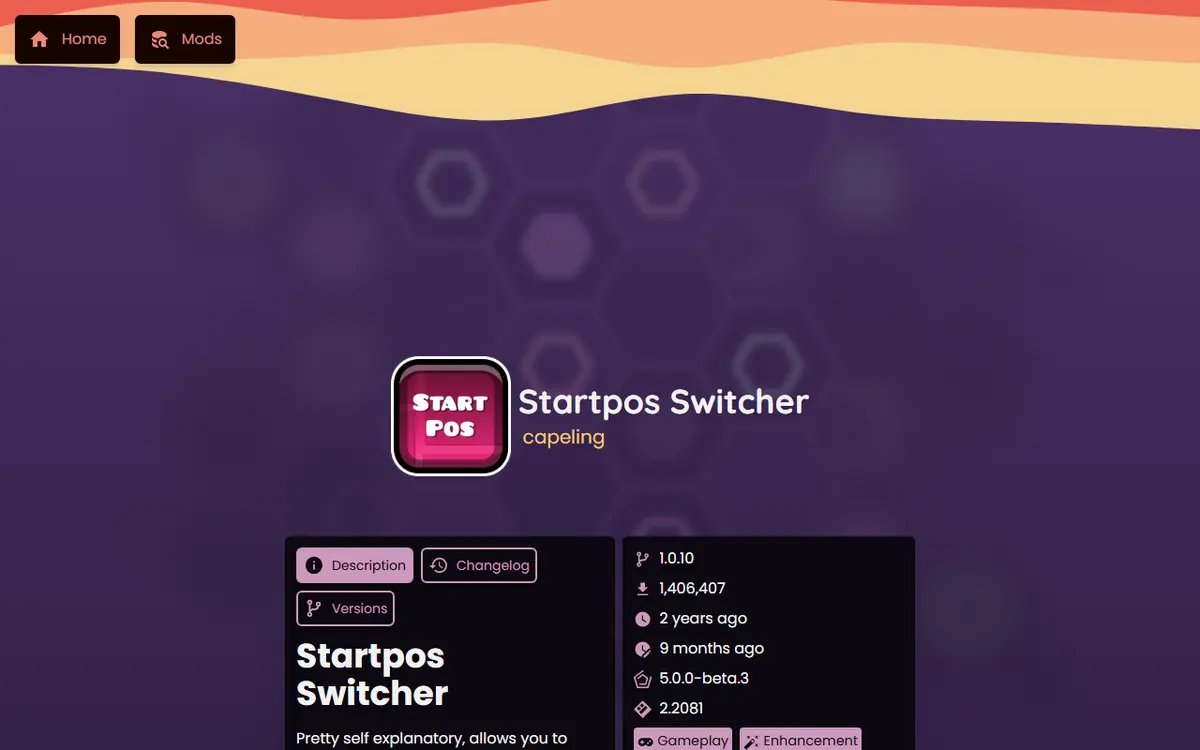
Lets you switch between start positions quickly while practicing, so you can drill one hard section without a full mod menu. It is not tagged as a cheat, but it is still a practice tool: use it in practice runs, not on attempts you want to count. Startpos Switcher on the official index.
Step 4: Sound, Looks and Icons
7. Jukebox (Fleym)
A song manager and the standard way to use NONG (Not On Newgrounds) songs, which replace a level's music. Useful when a level's original song is unavailable. Jukebox on the official index.
8. Texture Loader (Geode Team)
The official texture pack manager. It applies packs without overwriting your game files, so going back to vanilla is a toggle. Texture Loader on the official index.
9. More Icons (hiimjasmine00)
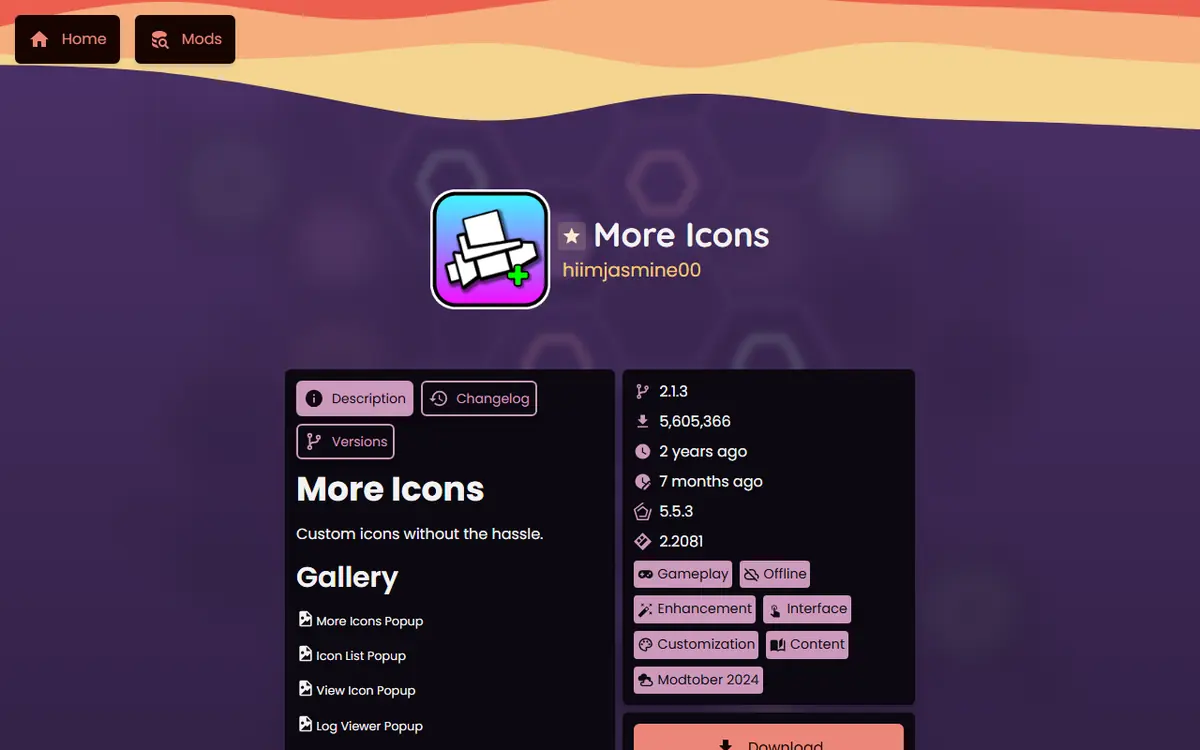
Adds custom icons beyond the vanilla set, "without the hassle" as its description says. More Icons on the official index.
Step 5: Play Online
10. Globed (dankmeme)
The most downloaded player-facing mod in the index. Globed adds real-time online multiplayer, so you can see other players inside the same level. Save it for last, once the rest of your setup is stable, because online features add a network layer to troubleshoot. It is also the pick that benefits most from friends installing it at the same time, so share this list with them. Our Globed multiplayer setup guide covers rooms and connection fixes. Globed on the official index.
How to Install the Starter Pack
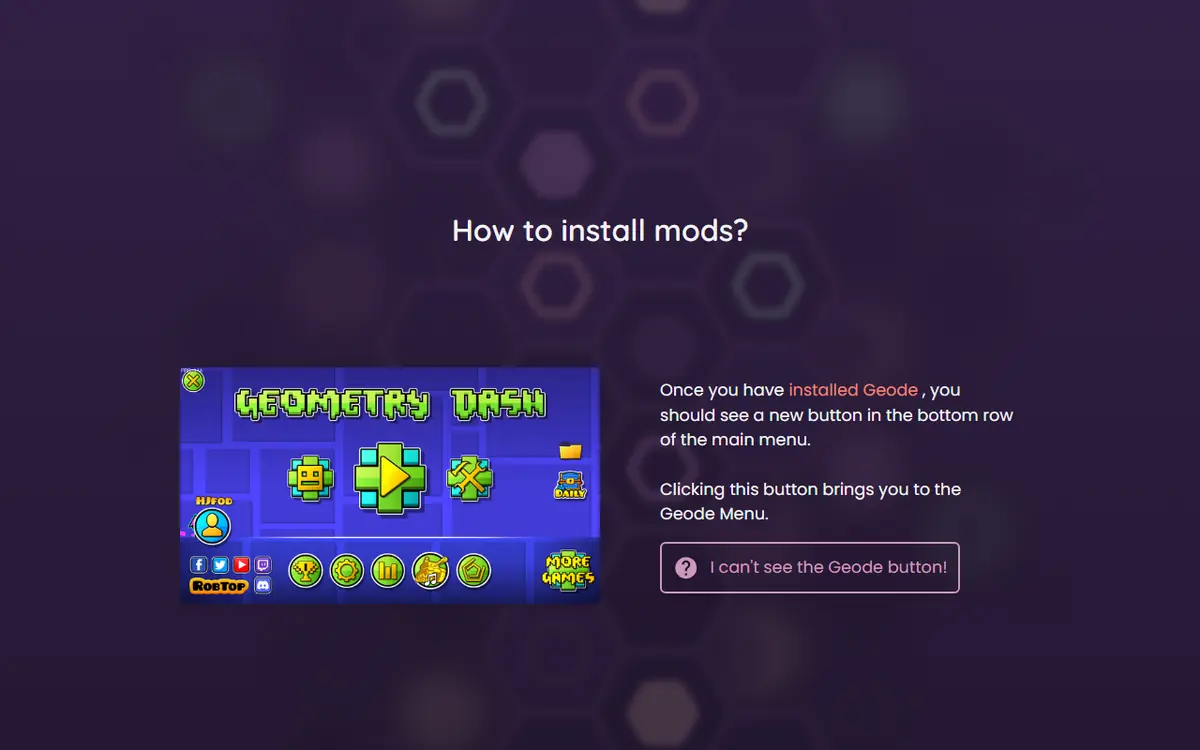
- Start Geometry Dash with Geode and press the Geode button in the bottom row of the main menu.
- Open the download or browse view and search for the first mod's name.
- Open the mod's page, check the creator matches the table above, and install it.
- Restart when Geode asks, then repeat for the next two mods.
- After every two or three installs, play for a few minutes to confirm nothing broke.
Our Geode mods browser guide explains each screen of the in-game browser in detail.
Settings Worth Checking After Installing
Most Geode mods come with their own settings page, opened from the mod's entry in the Geode menu. Spend a minute there after each install rather than assuming the defaults suit you:
- Custom Keybinds: set your preferred keys before you start a serious practice session, so muscle memory does not have to change later.
- Texture Loader: apply one pack at a time and check menus, icons and levels before stacking another pack on top.
- Jukebox: review which songs you have replaced, so you remember why a level sounds different.
- Globed: look through its options before joining a public room for the first time.
If a setting causes trouble, switching the whole mod off from the Geode menu is faster than hunting for the exact option. Make a quick note of any setting you change, so you can undo it later if something feels wrong.
Build Your Own Starter Pack
Your play style might call for different picks. Use the same filters we did and you will rarely go wrong:
- Check the platforms on the mod page, especially on macOS and iOS, where a few mods are missing.
- Check the tags. The index marks cheat-type mods and paid mods, so you always know what you are installing.
- Check the target game version. On November 5, 2026, the latest versions of 775 of the 985 index mods targeted GD 2.2081; the rest are older builds that will not load on current Geode.
- Prefer active mods. A recent update date suggests the creator will also update for future game versions.
- Read the creator's description on the mod page before installing anything that changes gameplay.
For a wider shortlist with more categories, see our best Geode Geometry Dash mods ranking.
Worth Adding Later
Once the basics work, these free, cross-platform picks are natural next steps: Click Sounds Full for custom click sounds, Death Tracker to see where you die most, Better Unlock Info to learn how icons unlock, and Separate Dual Icons to customize your second player. Full mod menus such as QOLMod and Eclipse are popular too, but both are tagged with cheat features in the index, so we leave them out of a beginner pack.
Platform Notes
- Windows and macOS: you need the full Steam version of Geometry Dash. The Lite version is not supported.
- Android: always open the game through the Geode launcher, not the normal game icon.
- iOS: Geode is experimental. The official install notes say full mod support needs JIT, which requires a computer to set up.
Troubleshooting
- Crash right after installing a mod: start in Safe Mode (hold Shift while launching on Windows or Mac; press and hold Launch in the Android app) and disable the newest mod.
- A mod is missing from search: it may not support your platform or game version. Check its official index page.
- Mods disappeared after a game update: they return once creators update them; you do not need to reinstall.
Safety Checklist
Install only through the in-game browser or the official Geode mods index. Check the creator name on each mod page. Never type your Geometry Dash password into any download site, and skip "mod pack" downloads from video descriptions; every mod in this pack installs in a few clicks from inside the game.
Frequently Asked Questions
Are all ten starter mods free?
Yes. None of the ten carries the paid tag in the official Geode index. Geode itself is free too. If any site asks you to pay for one of these mods, close it and use the in-game browser instead.
Do these mods work on Android and iOS?
All ten list Windows, macOS, Android and iOS builds in the official index for GD 2.2081. iOS support for Geode is labelled experimental, and some mods need JIT for full support on iPhone and iPad.
Can these mods get me banned?
None of the ten is tagged as a cheat in the index. They add information, controls, visuals, music and online play. Practice tools like Startpos Switcher are meant for practice runs, so keep normal attempts for records.
Why did Geode install a mod I did not pick?
Some mods depend on helper mods such as Node IDs. Geode installs those automatically. Keep them while the mods that need them are installed, or the dependent mods may stop working.
Do the starter mods work on GD 2.2091?
Not yet. On November 5, 2026, all ten target GD 2.2081, and stable Geode supports 2.2081. GD 2.2091 builds will appear as Geode v6 becomes stable and creators update their mods.
How many mods should I install at once?
Two or three at a time. Restart, play a little, then add more. If something breaks, you will know which mod caused it, and you can disable it from the Geode menu in seconds.
