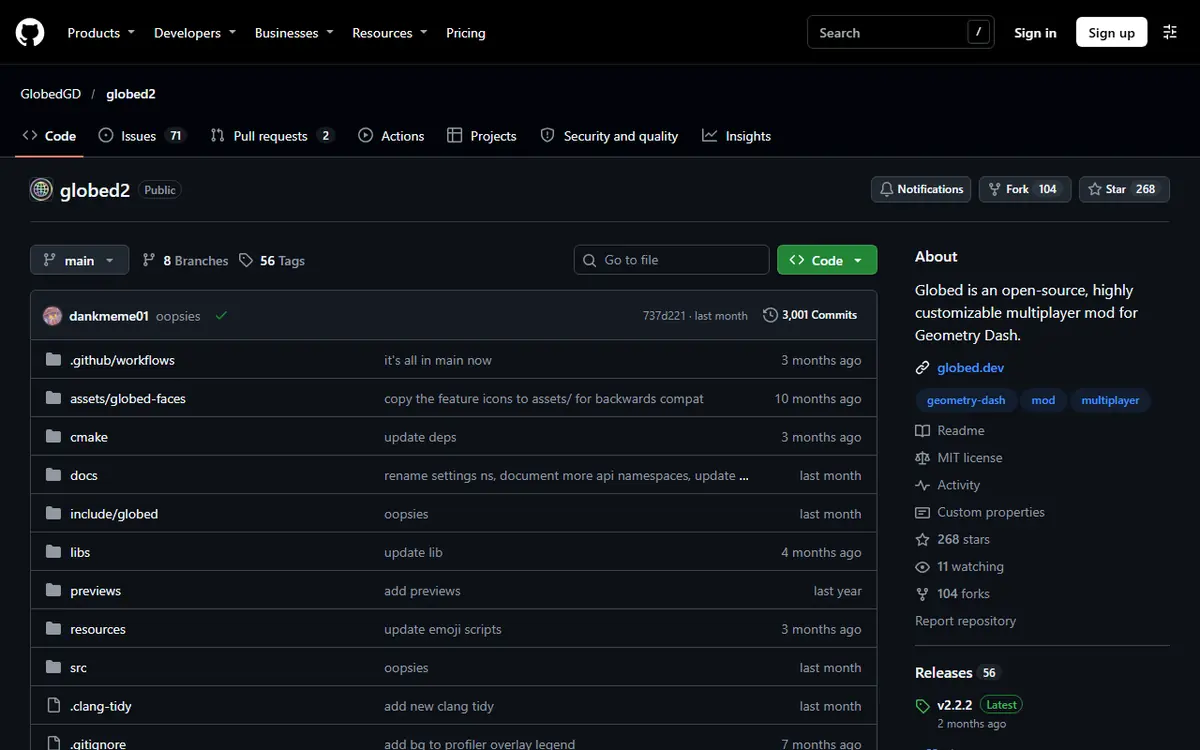
Geode Geometry Dash turned online multiplayer from a dream into a one-click install, and the mod that made it happen is Globed. Created by dankmeme, Globed adds real-time multiplayer to Geometry Dash, so you can see other players moving through the same level. With 10,227,977 downloads in the official Geode index on November 5, 2026, it is the most downloaded player-facing mod available, second only to the Node IDs helper library.
This guide covers what Globed can do according to its own README, how to install it on each platform, how rooms work, and what to check when you cannot connect. We stick to what the official index and the Globed project document; we do not claim to have tested every mode ourselves.
Globed at a Glance
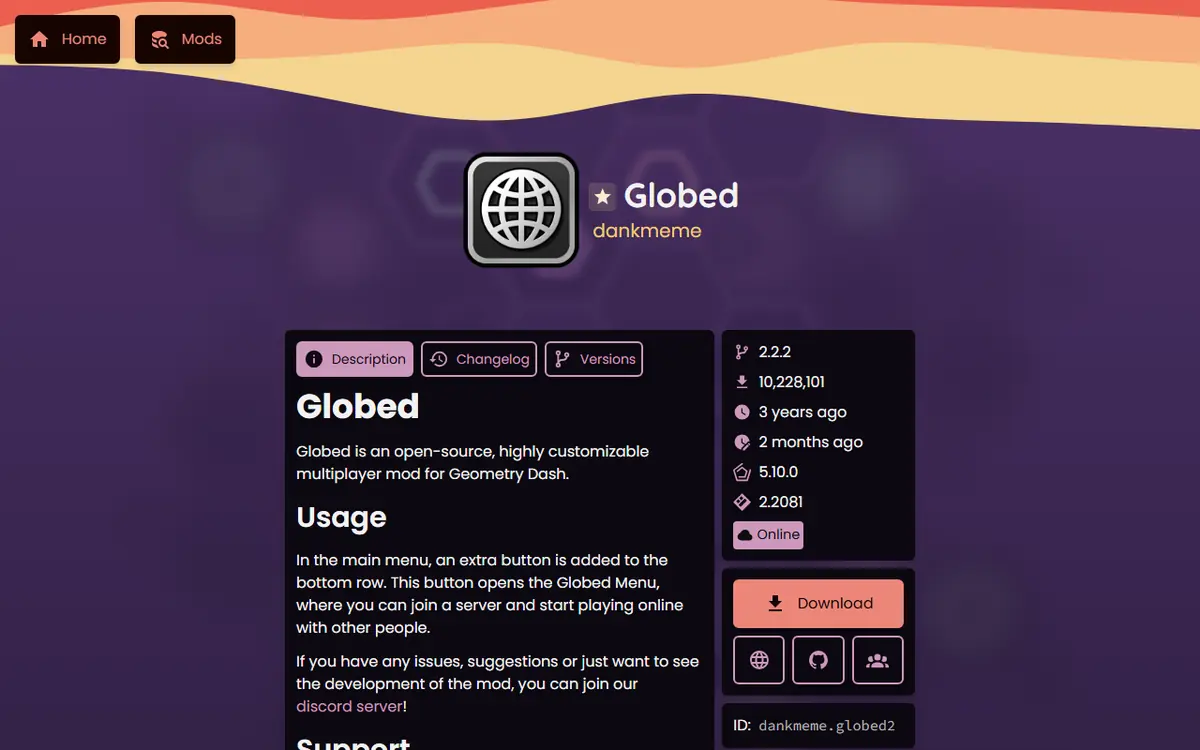
| Detail | Value (official index, Nov 5, 2026) |
|---|---|
| Mod name / ID | Globed / dankmeme.globed2 |
| Creator | dankmeme |
| Latest version | 2.2.2 (index updated Sep 13, 2026) |
| Targets | Geometry Dash 2.2081 |
| Needs | Geode 5.10.0 or later |
| Platforms | Windows, macOS (Intel and ARM), Android (32 and 64-bit), iOS |
| Price | Free, open source |
| Downloads | 10,227,977 |
| Homepage / source | globed.dev / github.com/GlobedGD/globed2 |
Version Note: Globed and GD 2.2091
As of November 5, 2026, stable Geode v5.11.2 supports GD 2.2081, and Globed 2.2.2 targets the same version. GD 2.2091 support exists only in Geode v6.0.0-alpha.1, a developer alpha, and the official Geode install page says Geode is currently broken on 2.2091. Globed's README states that only the latest game versions are supported; older releases exist for older games (Globed v1 for GD 2.200 to 2.2074, and Globed v0 for GD 2.113). Expect a new Globed build after stable Geode supports 2.2091, and do not hunt for unofficial "2.2091 Globed" downloads.
What Globed Can Do
Globed's README lists these features:
- Real-time multiplayer: see other players inside the level you are playing.
- 2-player mode: beat two-player levels together online instead of sharing one device.
- Extra modes: the README names Death Link, Collision and Switcheroo. Read their in-game descriptions before enabling them in a room.
- Voice chat and emotes inside the game.
- Public and private rooms, so you can play with strangers or only with friends.
- Self-hosting: it is free and open source, and you can host your own server. The README points to a server hosting page in its documentation.
Who Globed Is For
Geometry Dash has always been a solo game with an online level library. Globed changes the feel of that library without changing the levels themselves. It suits several kinds of players:
- Friends who play together and want to race through the same level or grind a hard one side by side.
- Players of two-player levels who no longer need to share one keyboard or one phone.
- Communities and clubs that run events, especially with private rooms or their own server.
- Solo players who simply enjoy seeing other icons in public rooms while they practice.
If you only ever play offline, Globed adds little, and you can leave it out of your mod list.
Globed Versions in Brief
Globed has tracked Geometry Dash through several eras, which explains the "globed2" in its mod ID:
- Globed v0 was built for GD 2.113, before Geode existed in its current form.
- Globed v1 covered GD 2.200 to 2.2074.
- Current Globed (2.2.2) targets GD 2.2081 on Geode 5.10.0 or later.
Because the project supports only the latest game versions, an old copy of Globed will not help on a newer game. Always take the version the Geode browser offers you.
Before You Join: Requirements Checklist
- The full game. Geode needs the full Geometry Dash; the free Lite version is not supported.
- A working Geode install on a supported game version, with the Geode button visible on the main menu.
- A stable internet connection. Multiplayer sends your position to other players many times per second, so weak mobile data or busy Wi-Fi can make other icons stutter.
- The same Globed version as your friends. Mismatched versions are the most common reason two people cannot see each other.
- A clean mod list to start with. Install Globed on its own first, confirm it works, then add other mods back.
How to Install Globed
Globed's README gives the official route: install Geode, open the mods page in-game and download Globed from the Geode index. Step by step:
- Install Geode for your platform from the official install page. If you have not done this yet, follow our guide for your device first.
- Launch Geometry Dash and press the Geode button in the bottom row of the main menu.
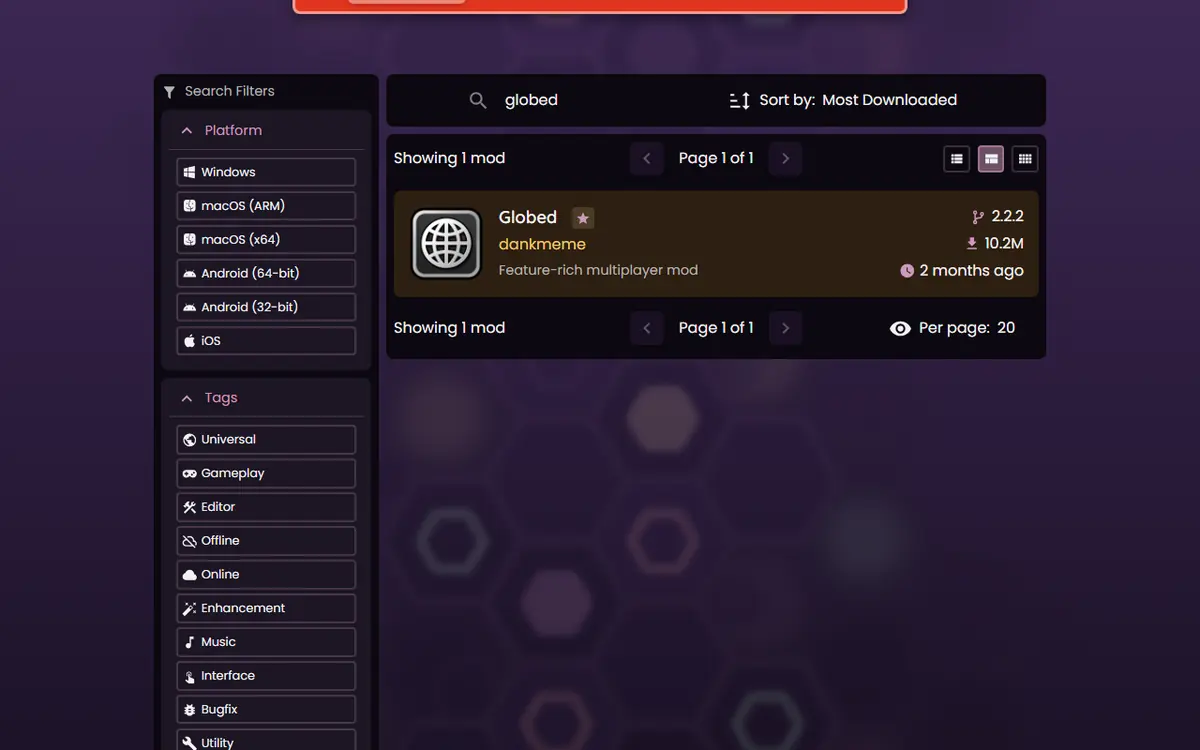
- Search for "Globed" in the browse view and open the result made by dankmeme.
- Install it and restart the game when Geode asks.
- Open Globed from the new entry it adds to the game, then join or create a room.
Our Geode mods browser guide explains each screen of the browser if you are new to it.
Manual Install From GitHub (Optional)
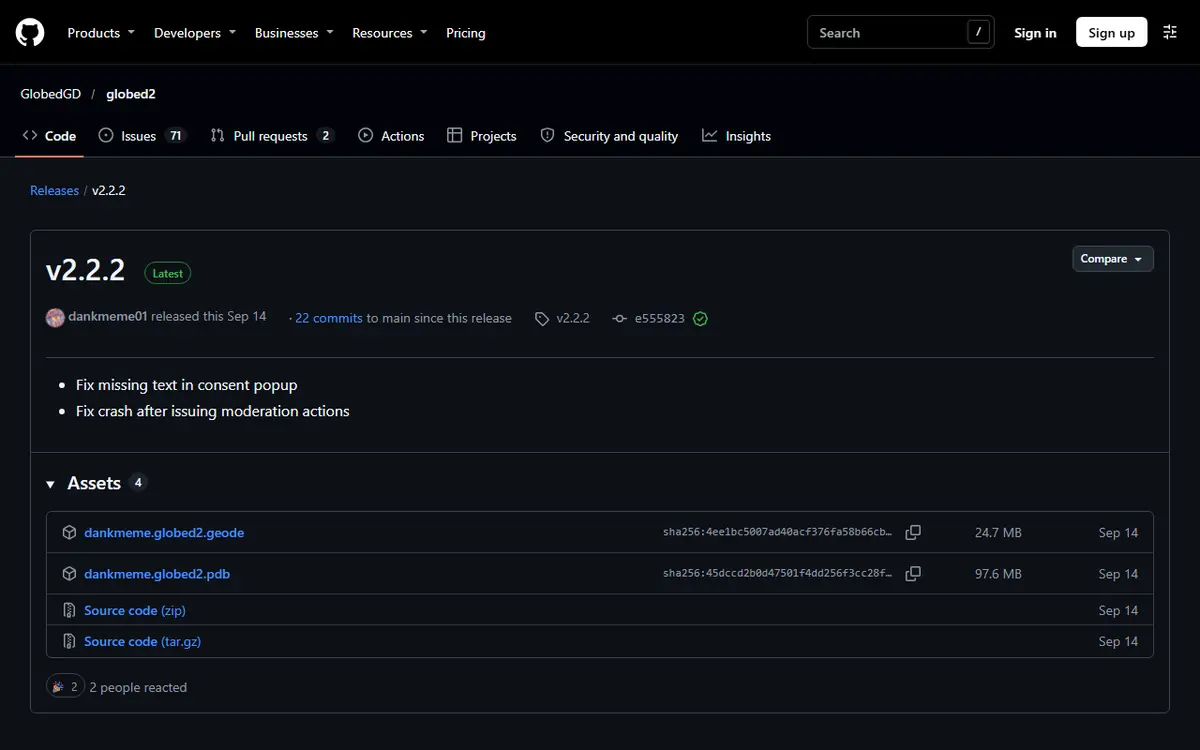
If you need the mod file itself, the official Globed GitHub repository publishes releases. On November 5, 2026, the latest release (v2.2.2, Sep 13, 2026) included a dankmeme.globed2.geode file. A .geode file goes into your geode/mods folder. Do not download the repository's source-code ZIP; it is code, not an installable mod. For almost everyone, the in-game browser is simpler and keeps Globed updated automatically.
Playing With Friends: Rooms
Rooms decide who you see. A public room is open to other players, while a private room lets you play only with people you invite. To play with a friend:
- Make sure both of you have Globed installed and updated to the same version.
- One player creates a private room; the other joins it.
- Open the same level. You should now see each other's icons.
- For a two-player level, use Globed's 2-player mode so each of you controls one side.
Exact button names may change between Globed versions, so follow the labels in your current build.
Hosting Your Own Globed Server
Most players simply use the default setup, but Globed's README says the project is open source and that you can host your own server, with instructions on a server hosting page in its documentation. Self-hosting suits communities, clubs or friend groups that want their own space, and developers who want to study how the mod works. It also means you are responsible for keeping that server online and updated, so it is not a beginner step. If you only want to play with a few friends, a private room is the simpler choice.
Tips for Better Multiplayer Sessions
- Agree on a level first. Share the level ID in chat so everyone opens the same one.
- Use practice runs together. Grinding a hard level is more fun when you can watch where your friends die.
- Try 2-player levels. Levels designed for two players are a natural fit for Globed's 2-player mode.
- Keep the mod list light. Fewer mods mean fewer things that can conflict with an online session.
- Update together. When Geode shows a Globed update, tell your group so everyone moves to the same version.
Platform Notes
| Platform | How Globed runs | Note |
|---|---|---|
| Windows / macOS | Steam GD with the Geode installer | Allow GD through your firewall if asked |
| Android | Geode launcher | Start the game from the launcher, not the normal icon |
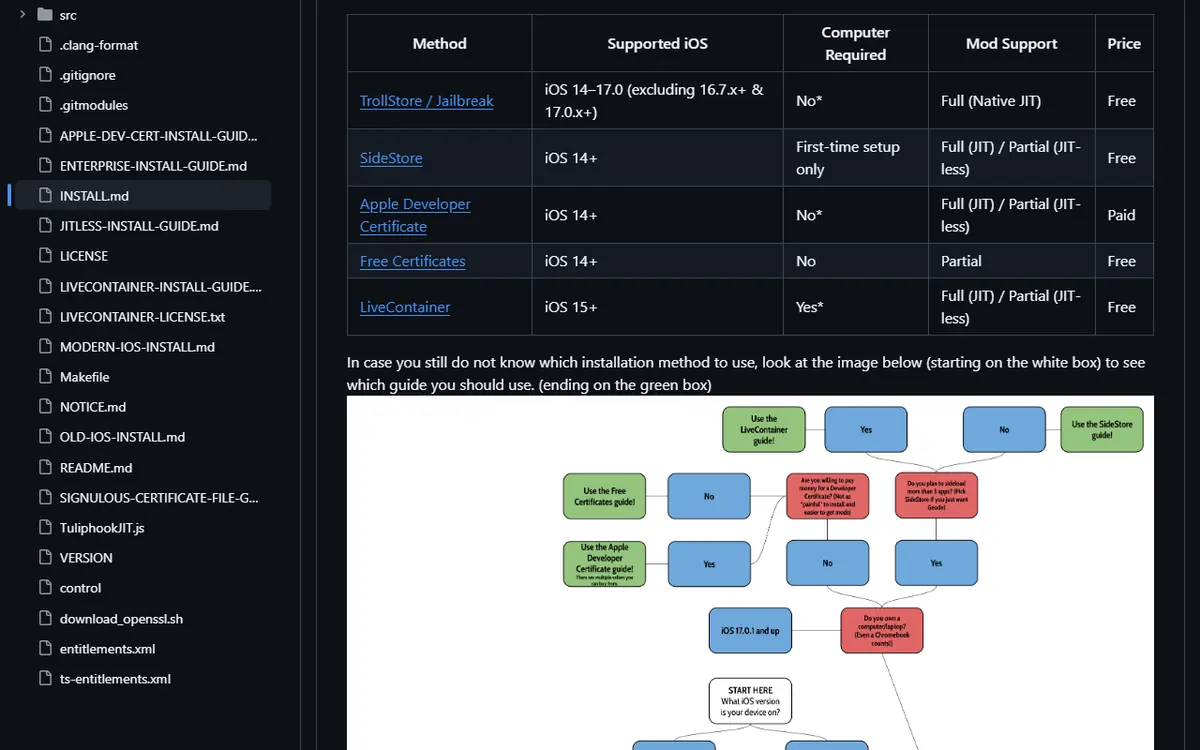
| iOS / iPadOS | Geode iOS launcher (experimental) | Official notes list Globed as working JIT-less |
| Linux / Steam Deck | Windows build through Wine or Proton | Same Geode setup as Windows |
Mobile players should read our Android launcher guide or the iOS launcher guide first.
Troubleshooting Globed
You Cannot See Other Players
Check that you are in the same room and the same level, and that everyone runs the same Globed version. Updates arrive through the Geode menu, and Geode shows a notice when one is available.
Globed Will Not Connect
Confirm your internet connection works, then check whether a firewall or security tool is blocking Geometry Dash. On PC, a restart of the game after allowing it through the firewall often helps. If the problem affects everyone, wait and try later; it may be on the server side.
The Game Crashes After Installing Globed
Start in Safe Mode, which loads no mods: hold Shift while launching on Windows or Mac, or press and hold the Launch button in the Android app. Disable Globed and any other recently added mod, then re-enable them one at a time. Our Geode not working fixes cover crash logs and clean reinstalls.
Globed Disappeared After a Game Update
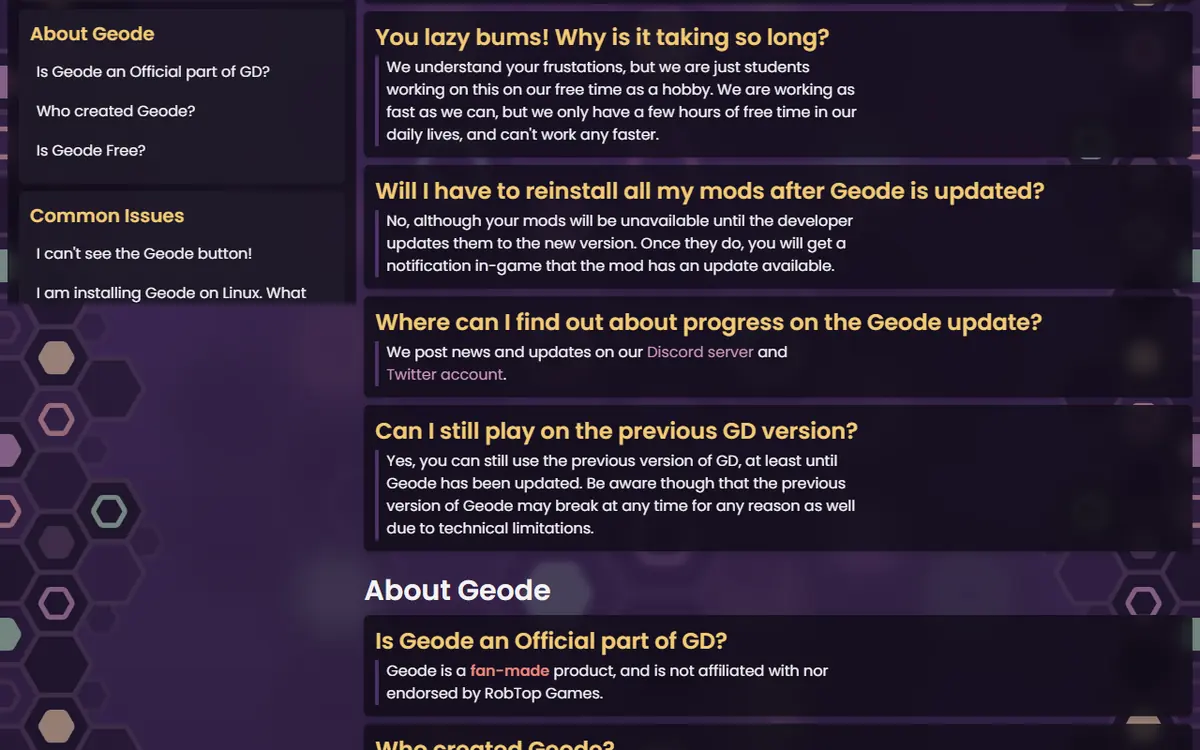
This is expected. The official Geode FAQ says mods stay installed but unavailable until their developers update them. You do not need to reinstall. Check the Globed page on the official index from time to time; when a build for the new game version appears there, the Geode menu will offer the update too.
Other Icons Lag or Jump Around
This usually points to the connection rather than the mod. Move closer to your router, switch from mobile data to Wi-Fi, or close downloads running in the background, then rejoin the room.
Safety and Etiquette
- Get Globed only from the in-game browser, the official Globed index page, globed.dev or its official GitHub repository.
- Never enter your Geometry Dash password on a website to "unlock" multiplayer. Globed does not need it.
- Be careful what you share over voice chat in public rooms, and prefer private rooms when playing with younger players.
- Keep cheat-type mods switched off while playing with others; it is unfair in shared runs and risky for your account.
- Back up your save before installing a large batch of mods alongside Globed.
Looking for more mods to pair with Globed? Our Geode starter pack lists safe first picks.
Frequently Asked Questions
Is Globed free?
Yes. Globed is free in the official Geode index and open source on GitHub. Its README also says you can host your own server. You never need to pay to install or use the mod.
Does Globed work on mobile?
Yes. The current index build lists Windows, macOS, Android and iOS. On Android, start the game through the Geode launcher. On iOS, the official Geode install notes list Globed among the mods that work in JIT-less mode.
Does Globed work on GD 2.2091?
Not yet. On November 5, 2026, the current Globed build (2.2.2) targets GD 2.2081 and needs Geode 5.10.0 or later. Globed's README says only the latest game versions are supported, so expect an update once stable Geode supports 2.2091.
Can I play 2-player levels online with a friend?
Globed's README lists a 2-player mode for beating 2P levels together online. Both players need Globed installed, matching versions and a way to join the same room.
Is Globed safe to use?
Install it only from the in-game Geode browser, the official index page or the official GitHub repository. Never give your Geometry Dash password to any site claiming to offer Globed, and follow room etiquette in public rooms.
Why can I not see other players?
Usually you are in a different room or level, one player has an outdated version, or a firewall is blocking the connection. Update Globed from the Geode menu, join the same room and check your network settings.
