Geode Geometry Dash modding did not appear out of nowhere. Before a shared loader became the norm, players modded the game with injected files, standalone loaders and all-in-one mod menus. Those methods worked up to a point, but they were fragile, hard to combine and confusing for anyone who did not want to dig through game folders.
This article compares Geode with those older approaches. It explains what manual DLL injection involved, why early loaders and menus ran into conflicts, how a shared framework reduces those problems, and where well-known menus such as Mega Hack, Eclipse, Prism Menu and QOLMod fit today. A comparison table puts it all side by side. We are an unofficial guide, writing from a player's perspective.
Version Note
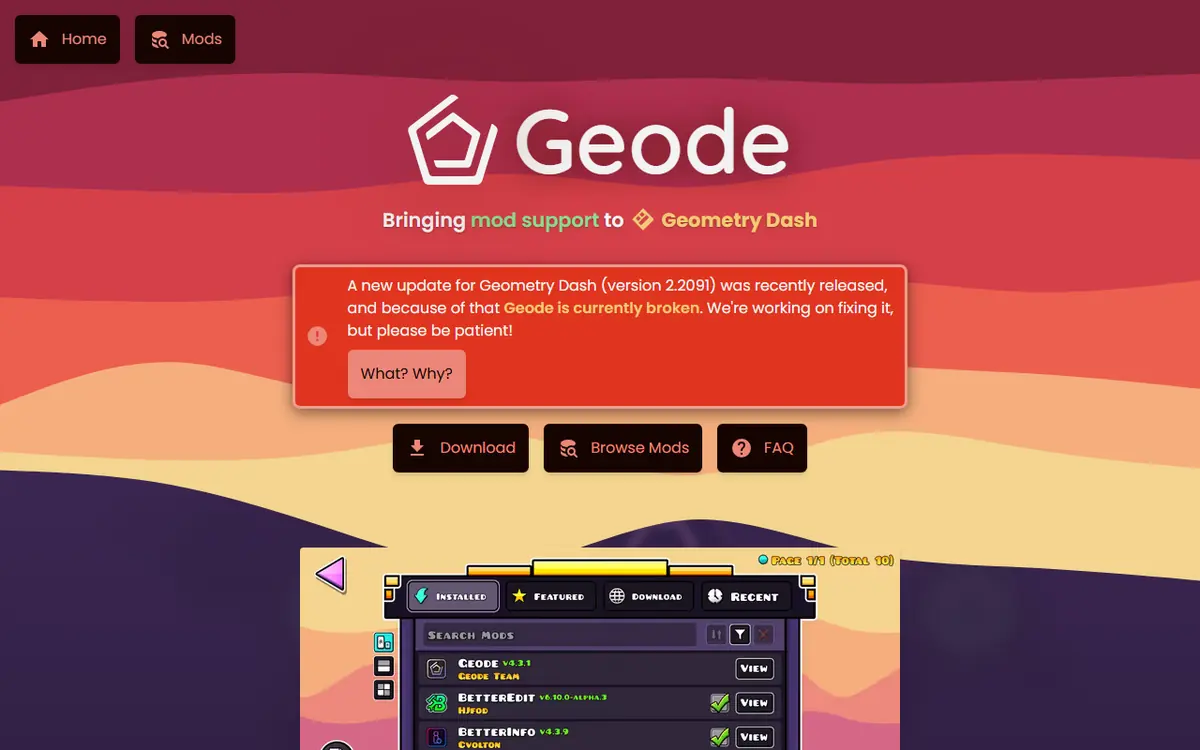
Every approach shares one weakness: game updates. As of November 5, 2026, the latest stable Geode, v5.11.2, works on GD 2.2081, and the official install page says Geode is broken on GD 2.2091. Support for 2.2091 exists only in v6.0.0-alpha.1 (November 1, 2026), an alpha for developers. All mod menus in the index currently target 2.2081 too, so no loader or menu gives you a shortcut around this gap.
A Short History of Geometry Dash Modding
Players wanted practice tools, interface tweaks, editor improvements and cosmetic changes long before an organised ecosystem existed. The first answer was simple: compile code into a library file and force the game to load it. That evolved into loaders that could load several libraries at once, and into large mod menus that bundled dozens of features. Each step made modding more accessible, but none solved mods stepping on each other.
The problem that kept coming back
Most mods work by hooking: intercepting a function inside the game and changing what it does. When two separately written mods hook the same function in incompatible ways, one breaks or the game crashes. With no shared rules, players found safe combinations by trial and error.
Manual DLL Injection
On PC, the oldest approach was manual injection. A mod shipped as a library file, and players used an injector program, or a renamed system library in the game folder, to make Geometry Dash load it.
- No central place to see which mods were installed.
- No automatic handling of mods that depended on each other.
- No standard settings screen, so each mod invented its own.
- Injectors were often flagged by antivirus software, making safe and unsafe files hard to tell apart.
Injection also exposed players to risk, because bad actors could disguise malicious files as popular mods. When the PC game moved to 64-bit with update 2.206, older injected mods stopped working entirely, since mods had to be rebuilt.
Earlier Standalone Loaders
Standalone loaders picked up every library in a designated folder, which made installation more consistent. But a simple loader only answers how mods get into the game, not how they behave once there. Without a shared hooking system, two mods could still conflict. Older loaders also lacked an in-game browser, dependency resolution and per-mod settings, and many depended on a single maintainer, so a big game update could leave them behind.
Standalone Mod Menus
All-in-one menus combined practice tools, cosmetics and editor helpers in one overlay. They were convenient: one download, one interface. The downside was that a menu was a closed bundle. Wanting one feature from menu A and another from menu B usually meant a clash, and one game update could break many features at once while players waited for the whole menu to be fixed.
A mod menu is a single product. A mod loader with a shared framework is an ecosystem. That difference explains most of why modding feels calmer today.
How Geode Changes the Picture
Geode is a fan-made, open-source mod loader and modding SDK written in C++, built specifically so mods work together instead of competing. Each Geode Geometry Dash mod hooks the game through one shared framework, so several mods can modify the same function in a controlled order. Mod authors write against a common SDK and shared UI components rather than reinventing low-level code.
Dependencies are part of the design
A mod can declare that it needs another mod. Node IDs, maintained by the Geode Team, is the most-downloaded entry in the official index (13,729,493 downloads on November 5, 2026) precisely because so many mods depend on it. Geode installs and loads such dependencies in the right order automatically.
What players get
- A Geode button in the bottom row of the main menu that opens an in-game mod browser.
- Installs from a reviewed index, with dependencies handled for you.
- Per-mod enable and disable switches and a settings page for each mod.
- A predictable layout: mods in
geode/mods, crash logs ingeode/crashlogs.
Our Geode mods browser guide walks through searching and installing from that menu.
Where Mega Hack and Other Menus Fit Now
Mod menus did not disappear; they moved inside Geode. Here is how the best-known menus appear in the official index (checked November 5, 2026):
| Menu | Creator | Index description | Version | Downloads | Price | Platforms |
|---|---|---|---|---|---|---|
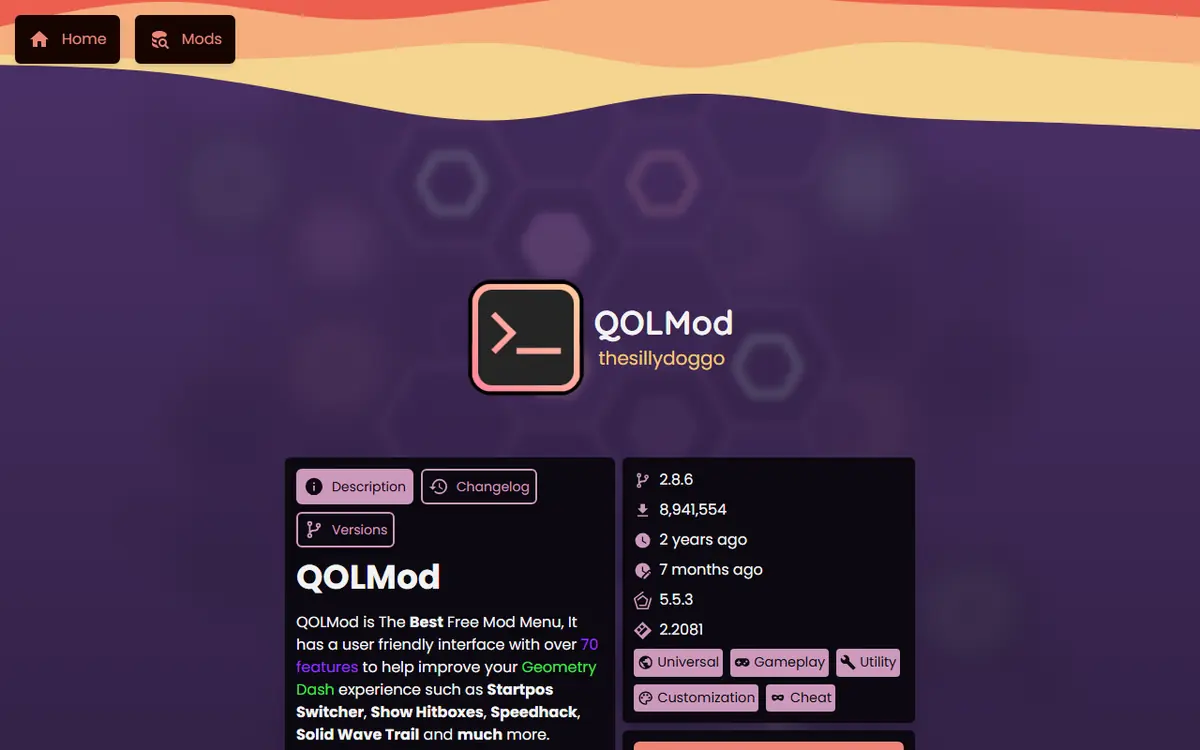
| QOLMod | thesillydoggo | "The Best Free Geode Mod Menu!" | 2.8.6 | 8,941,439 | Free | Windows, macOS, Android, iOS |
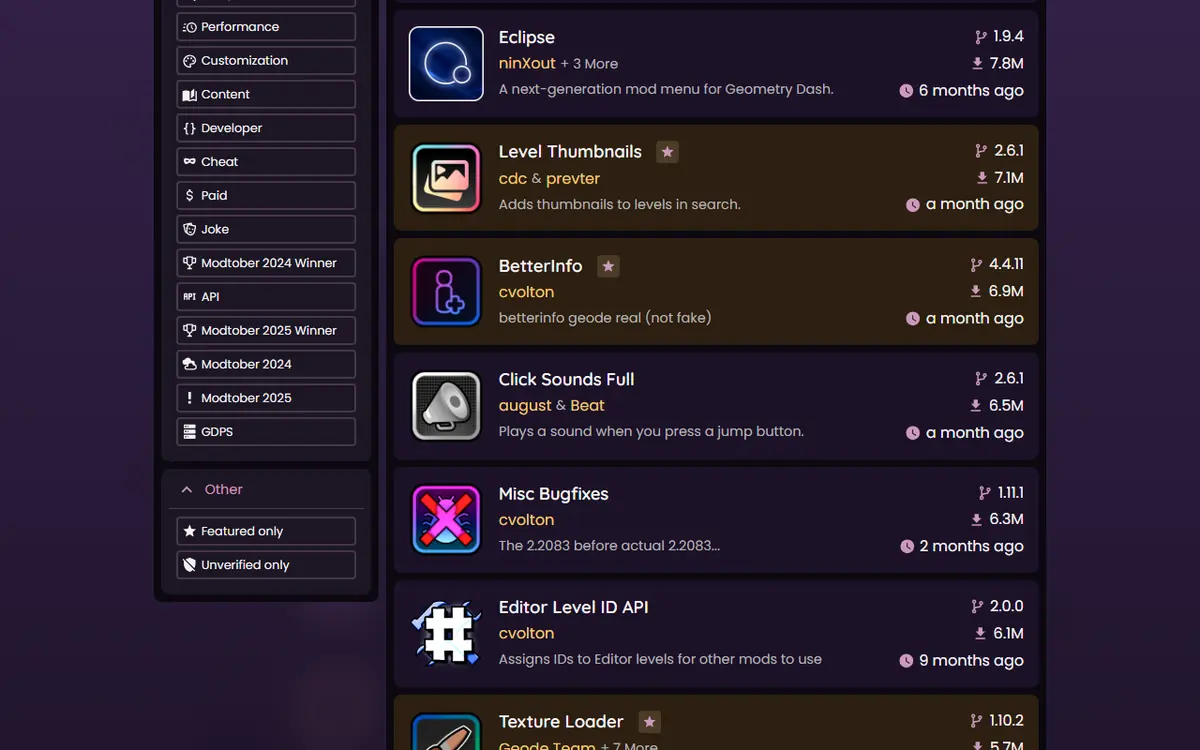
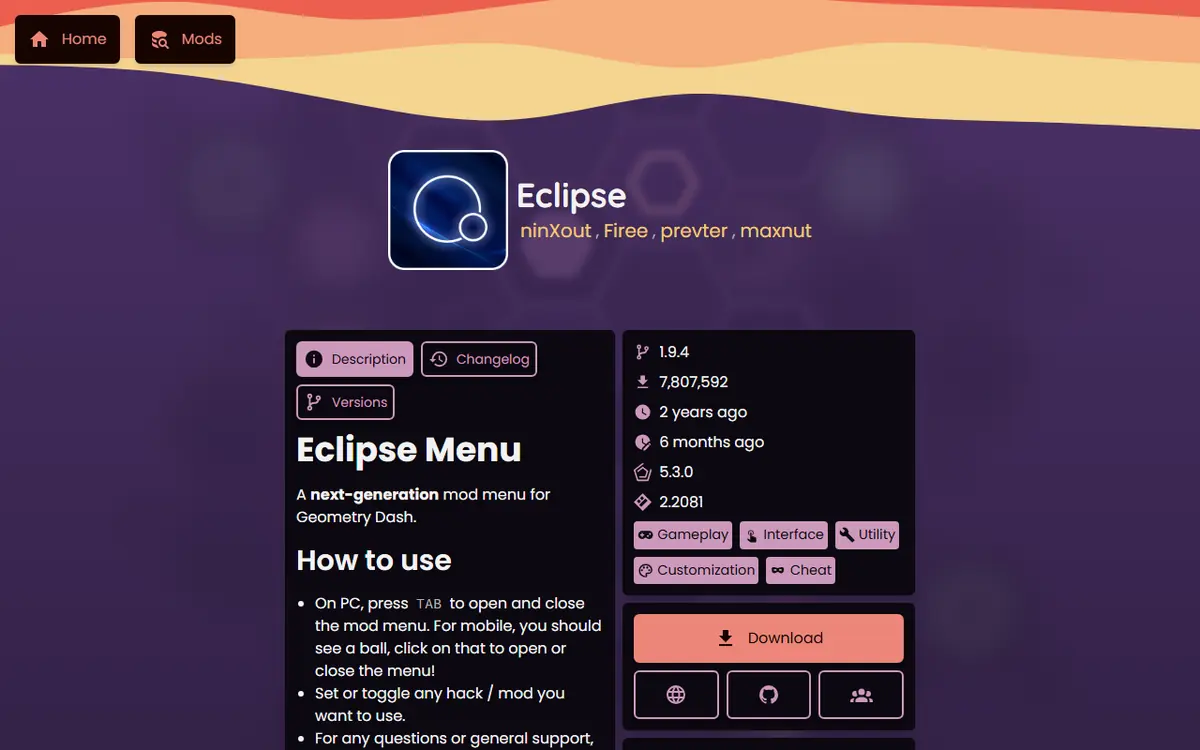
| Eclipse | ninXout | "A next-generation mod menu" | 1.9.4 | 7,807,404 | Free | Windows, macOS, Android, iOS |
| Prism Menu | Firee | "A cross-platform mod menu for Geode" | 1.10.9 | 2,824,596 | Free | Windows, macOS, Android, iOS |
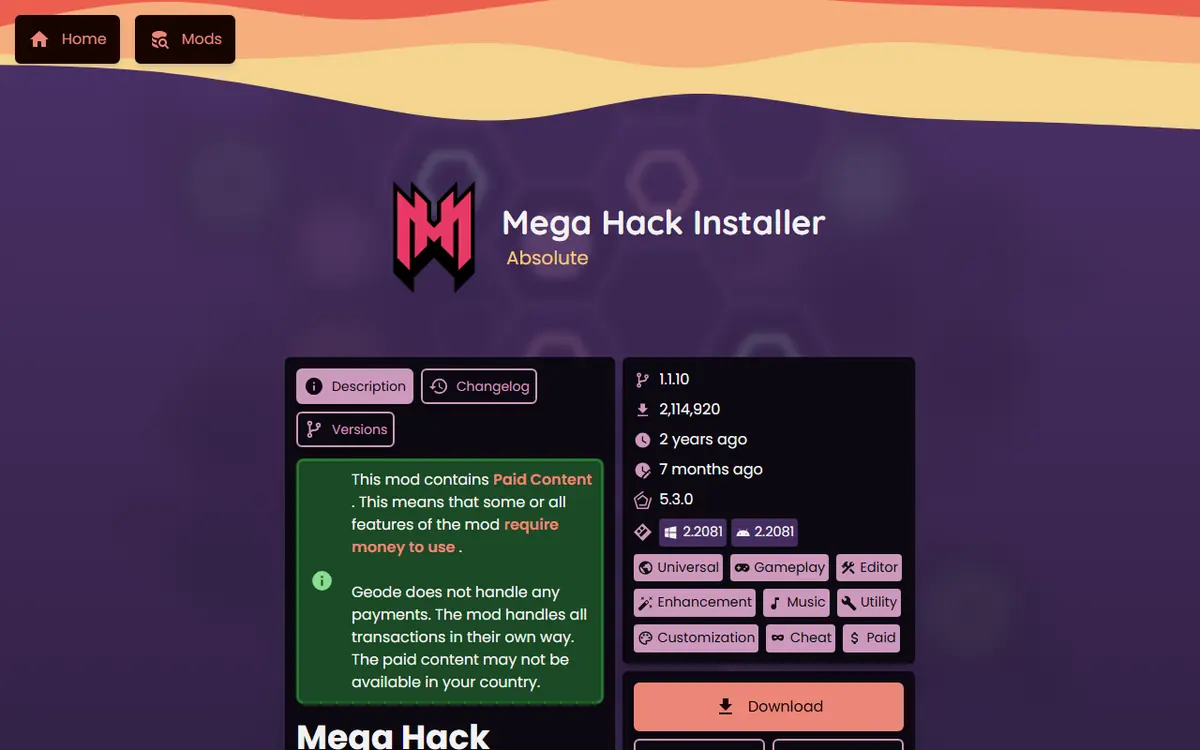
| Mega Hack Installer | Absolute | "Mega Hack Universal Installer for Geode" | 1.1.10 | 2,114,891 | Paid | Windows, Android |
Mega Hack
Mega Hack, made by Absolute, built its reputation as a premium standalone menu. Today the official index lists Mega Hack Installer, tagged paid, which installs Mega Hack through Geode. Running inside the same framework means it is managed from the same place as your other mods and coexists with them more comfortably.
Eclipse, Prism Menu and QOLMod
These free menus all carry the "cheat" tag in the index alongside utility tags, because they include options such as noclip or speedhack. Choose one based on features and platforms rather than compatibility worries. Installing several menus that cover the same features is rarely useful.
Whichever menu you use, keep cheat-type features for practice. Using them on rated or leaderboard completions can get a player leaderboard-banned. Our Geode safety guide covers ban risk in detail.
How to Choose One Mod Menu
Because every menu now runs inside Geode, the decision is about fit rather than compatibility. Work through these questions in order:
- Which platforms do you play on? If you switch between PC and an iPhone, a menu that lists both in the index saves you learning two interfaces. Mega Hack Installer lists Windows and Android only.
- Free or paid? QOLMod, Eclipse and Prism Menu are free in the index. Mega Hack Installer carries the paid tag, so buy only through links from its official index page.
- Which features do you actually use? Write down the three or four toggles you want, such as practice helpers or interface tweaks, and read each menu's description and settings in the browser.
- How quickly does it update? The index shows when each mod was last updated. After a GD update, a menu that is updated sooner gets you back to normal faster.
Try one menu for a week before switching. If you change your mind, disable the old menu from the Geode menu before enabling the new one, so you never have two overlays fighting over the same hotkeys. Keeping just one menu also makes crash logs easier to read, because fewer mods hook the same parts of the game.
Side-by-Side Comparison
| Aspect | Manual DLL injection | Early standalone loaders | Standalone mod menus | Geode |
|---|---|---|---|---|
| Installing mods | Per mod, often with an injector | Drop files in a folder | One large download | In-game browser and official index |
| Mod conflicts | Common and unpredictable | Still common | Likely when combining menus | Reduced by a shared framework |
| Dependencies | Manual | Manual | Bundled inside the menu | Declared and resolved automatically |
| Per-mod settings | Varies | Varies | Inside the menu only | Standard settings page per mod |
| Enable or disable | Remove files by hand | Remove files by hand | Toggle inside the menu | Toggle each mod individually |
| Platforms | Mainly PC | Mainly PC | Mainly PC | Windows, macOS, Android, iOS; Linux via Wine |
| Recovery from a bad mod | Find and delete files | Find and delete files | Reinstall the menu | Safe Mode loads no mods |
Platform Notes
- Windows and macOS: the official installer sets Geode up in your Steam game folder; see our Geode PC install guide.
- Android: a launcher loads your full Play Store game with Geode added. Check each menu's platform list before installing.
- iOS: the launcher's install notes say mods such as Eclipse and Globed work even in JIT-less mode.
- Linux: run the Windows build through Wine, as the official FAQ describes.
Troubleshooting When Switching From Older Methods
- Leftover injected files: remove old injector files from your game folder, or use Steam's "Verify integrity of game files", before installing Geode.
- Two menus fighting over hotkeys: disable one menu from the Geode menu and restart.
- Crash on launch after adding a menu: hold Shift while launching on Windows or Mac to enter Safe Mode, which loads no mods, then disable the menu. On Android, press and hold Launch in the Geode app.
- A menu is missing after a GD update: it stays unavailable until its developer updates it; the official FAQ says you do not need to reinstall it.
Safety and the Practical Recommendation
For nearly every player, the recommendation is simple: use Geode, install mods through its browser, and pick one menu if you want one. Older methods are mostly of historical interest, and old 32-bit injected mods will not run on the current 64-bit PC game. Get Geode from geode-sdk.org/install or the geode-sdk GitHub organization, buy paid mods only through links from the official mods index, and avoid mirrors, "Geode APK" pages and cracked bundles. For our current picks across every category, see the best Geode mods guide.
Frequently Asked Questions
Is Geode just another DLL injector?
No. Geode is a mod loader and SDK with a shared hooking framework. Mods are coordinated through that framework instead of being injected separately, which is what reduces conflicts between mods.
Can I still use old injected mods with Geode on PC?
Generally not. Since update 2.206 the PC game is 64-bit, so mods had to be rebuilt. Look for a Geode version of the feature you want in the in-game browser or the official mods index.
Is Mega Hack part of Geode now?
The official Geode index lists “Mega Hack Installer” by Absolute (v1.1.10), tagged paid, for Windows and Android. It installs Mega Hack through Geode so it runs inside the same framework as your other mods.
Should I install more than one mod menu?
Usually not. Geode reduces conflicts, but two menus covering the same features add clutter and overlapping toggles. Pick one menu, such as QOLMod, Eclipse, Prism Menu or Mega Hack, based on features and platforms.
Does every Geode mod work on every platform?
No. Geode supports Windows, macOS, Android and iOS, but each mod lists its own platforms. Mega Hack Installer, for example, lists Windows and Android only, while Eclipse lists all six index platforms.
Is Geode official?
No. Geode is a fan-made, open-source project. The official FAQ says it is not affiliated with or endorsed by RobTop Games, the developer of Geometry Dash.
