Geode Geometry Dash setups need a little care over time. Installing the loader is only the first step. After that come updates to Geode itself, updates to individual mods, settings changes, the occasional mod you want switched off, and eventually perhaps a clean removal or reinstall. Handling each stage calmly keeps your game stable and your progress safe.
This guide covers the full lifecycle: choosing the right download for your platform, keeping Geode and your mods current, enabling and disabling mods, backing up saves, uninstalling cleanly on each platform and reinstalling later.
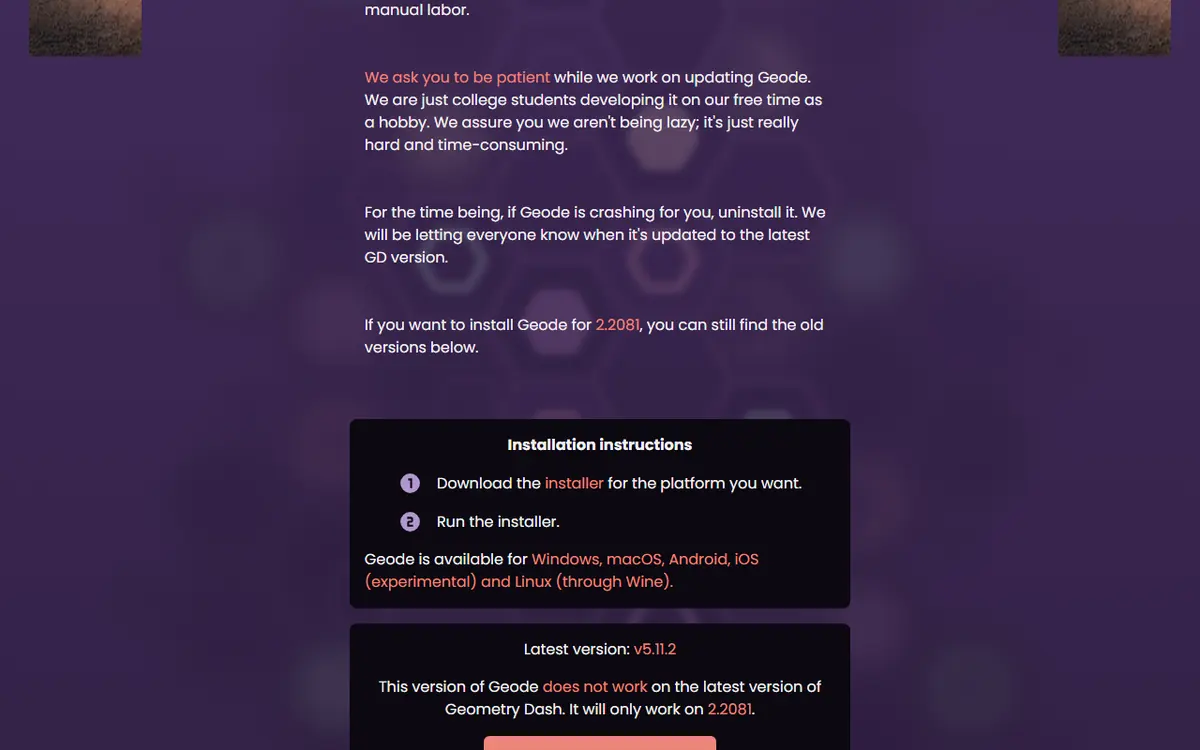
Version Note: Where Geode Stands Today
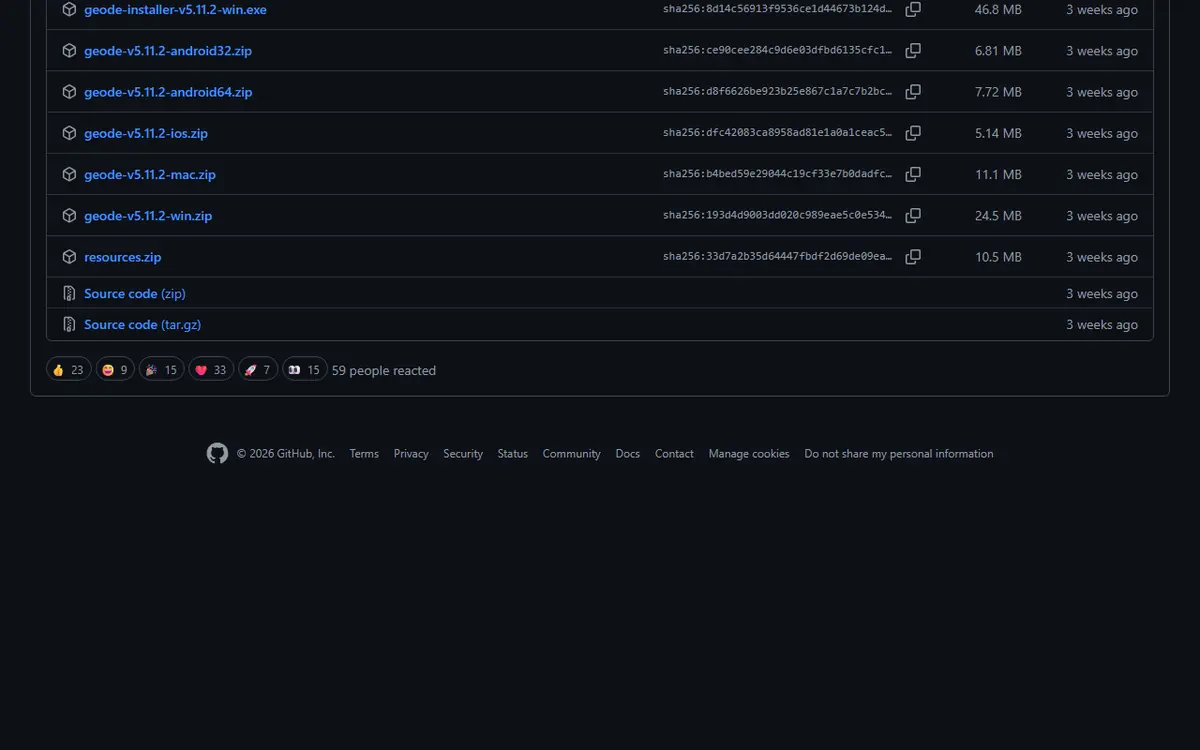
We checked the official sources on November 5, 2026. The latest stable Geode is v5.11.2 (October 15, 2026), and the official install page says it only works on Geometry Dash 2.2081. Geode is currently broken on GD 2.2091. Support for 2.2091 exists only in v6.0.0-alpha.1 (November 1, 2026), which the Geode team describes as an alpha meant for developers. If your game has already updated to 2.2091, read our Geode update cycle and rollback plan before changing anything.
Step One: Download the Right Build
Many lifecycle problems start with the wrong file. Geode is distributed differently on each platform, and a file meant for another system, or from an unofficial source, causes trouble no troubleshooting can fix.
| Platform | What to download | Key requirement |
|---|---|---|
| Windows | Installer (.exe) from the official install page | Full Geometry Dash, usually on Steam |
| macOS | Installer (.pkg) from the official install page | Steam version of Geometry Dash |
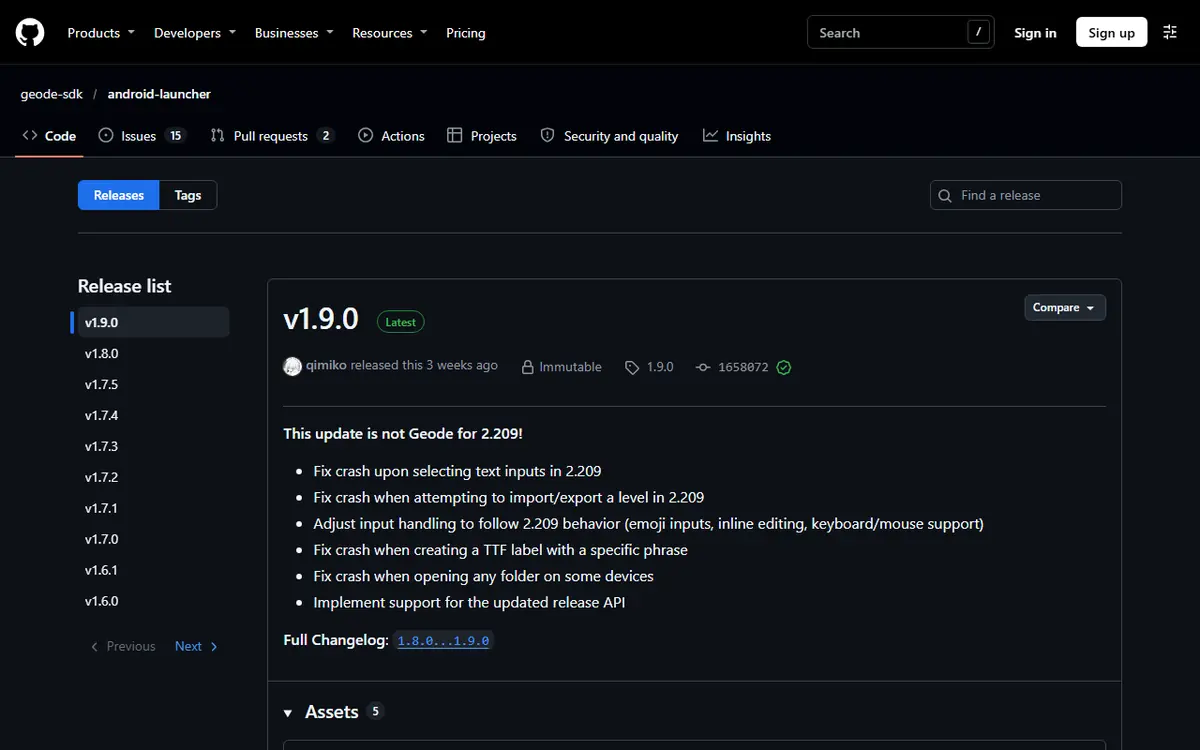
| Android | Geode launcher APK (v1.9.0 on the install page) | Full Play Store copy of Geometry Dash |
| iOS and iPadOS | Geode iOS launcher (.ipa or .tipa), labelled experimental | iOS 14 or later and the full game |
| Linux | Windows installer run through Wine or Proton | Windows build of Geometry Dash |
Download only from geode-sdk.org or the official Geode GitHub organization. Pages offering a "Geode APK" from unknown hosts, fake mirror repositories and bundles with a cracked game are all risky. The source-code archive of the main Geode repository is not an installer either; it is for people reading or building the code. Geometry Dash Lite is not supported on any platform.
Step Two: The First Install
A clean install makes later maintenance easier, so it pays to know where things go.
Windows and macOS
Run the installer. It tries to detect your Geometry Dash folder; if it cannot, choose it yourself. On Windows with Steam, the default is C:\Program Files (x86)\Steam\steamapps\common\Geometry Dash, or right-click the game in Steam and choose Manage, then Browse local files. Our Geode PC install guide walks through every screen.
Android and iOS
On Android, install the launcher after allowing your browser to install unknown apps. The launcher loads your installed copy of the full game; the Android launcher setup guide covers permissions. On iOS, the launcher's INSTALL guide lists several methods, including TrollStore, SideStore and LiveContainer, and full mod support needs JIT, which requires a computer to set up.
Know Your Folders
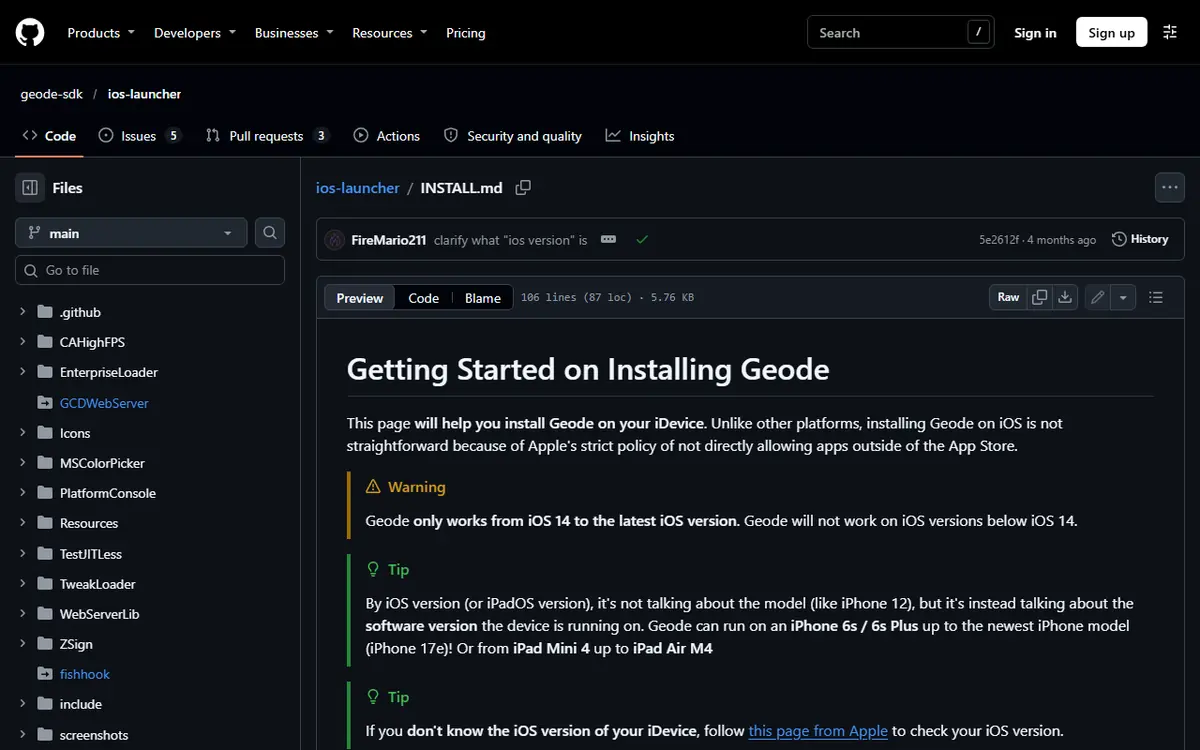
On desktop, Geode keeps its files in a geode folder inside the game folder. Mods live in geode\mods as .geode files and crash reports go to geode\crashlogs. After installation, a Geode button appears in the bottom row of the main menu.
Updating Geode and Your Mods
There are two kinds of updates to think about: updates to Geode itself and updates to individual mods.
Updating Mods
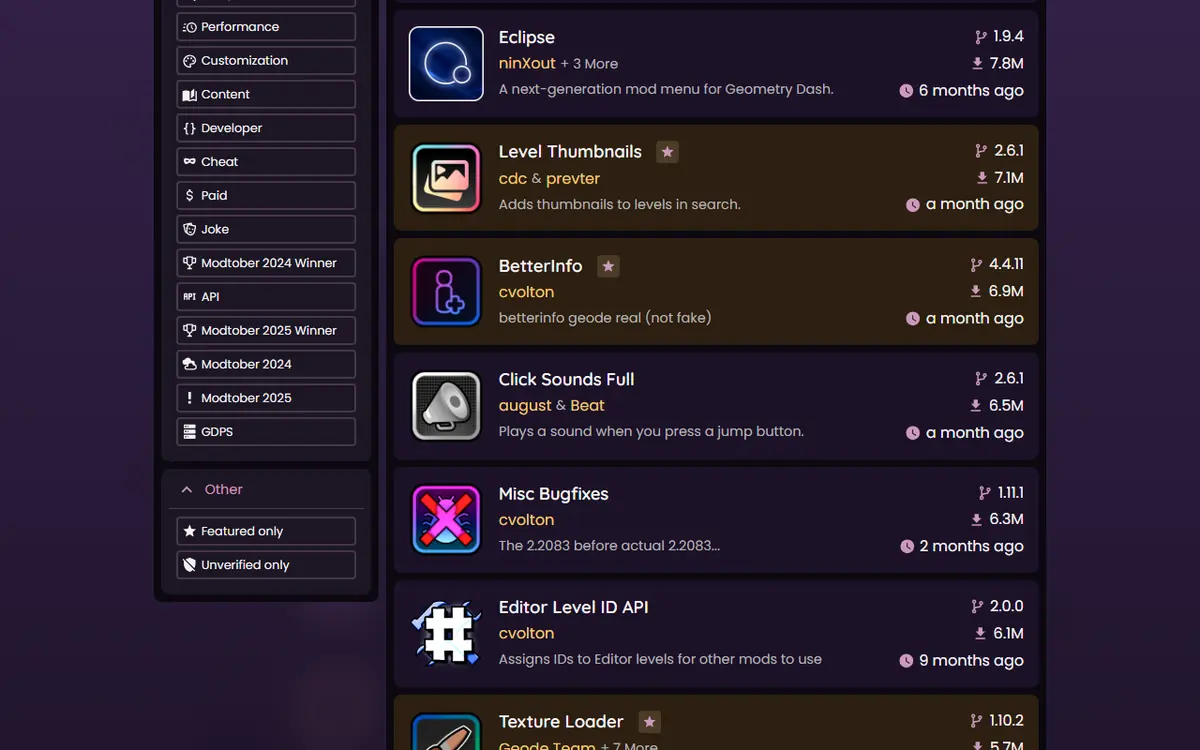
Mod updates are handled in the in-game Geode menu. When a newer version of an installed mod is available, you can update it there. Mods declare dependencies, and Geode installs and loads required mods, such as Node IDs, in the right order. A restart is usually needed for changes to take effect.
Updating Geode Itself
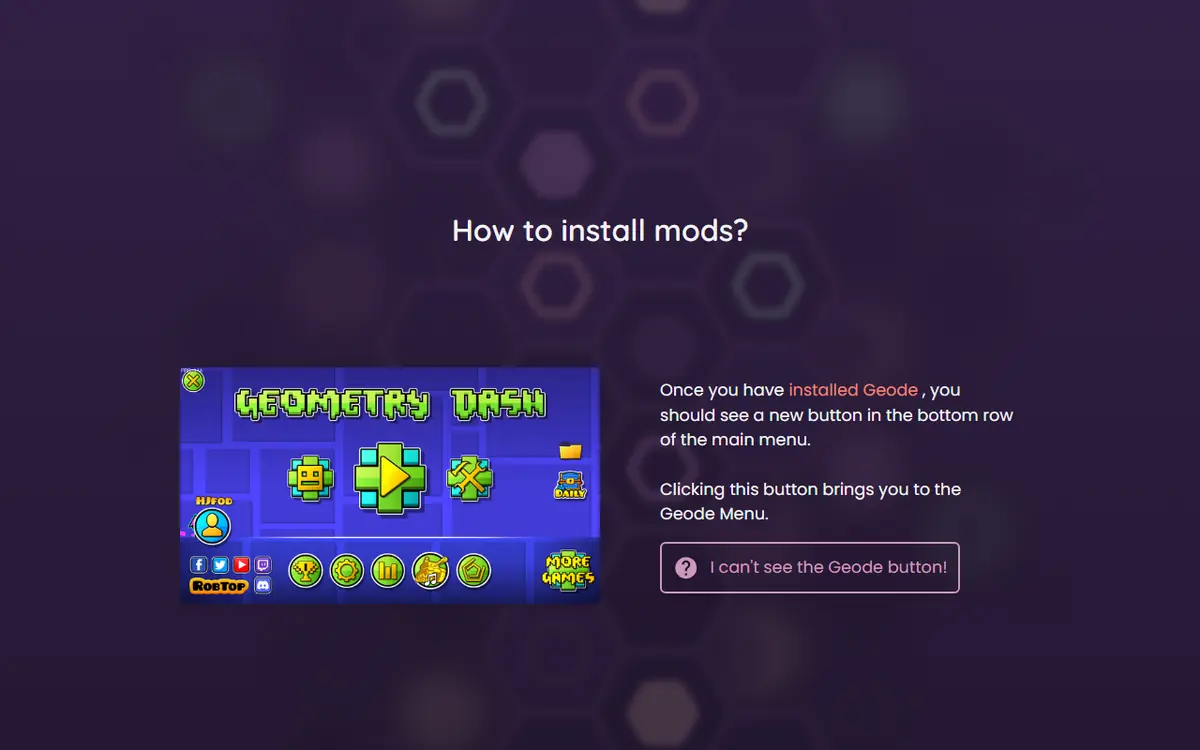
New releases appear on the official Geode releases page and the install page. Follow the official instructions for your platform, whether that means updating from inside Geode or running a fresh installer or launcher build. Read the release notes: major versions, like the upcoming v6, require mods to be updated too.
When Geometry Dash Updates
Game updates are the biggest source of lifecycle headaches. Every update can break Geode until a compatible version ships, as happened after 2.206, 2.207, 2.2081 and now 2.2091. When the game is newer than Geode's target, Geode may run in forward compatibility mode with some features disabled, and crashes in that state usually come from outdated mods.
- Save your progress to your Geometry Dash account before the game updates, if you can.
- After the update, check whether Geode shows a compatibility warning.
- Use Safe Mode or disable outdated mods if the game is unstable.
- Wait for an official stable release that supports the new game version.
- Update Geode, then your mods, then re-enable them gradually.
The official FAQ adds that you will not need to reinstall your mods: they stay unavailable until their developers update them, and Geode notifies you in-game.
Platform Notes for Updates
Each platform updates a little differently, so it helps to know what to expect before you press anything.
- Windows and macOS: a new Geode release ships as a fresh installer on the install page and on GitHub. Run it over your existing install and keep the same game folder. Your mods and settings stay in the
geodefolder. - Android: the launcher checks for updates before it starts the game. Keep the launcher itself current, because the official FAQ names an outdated launcher as a common cause of problems.
- iOS: launcher updates arrive as new .ipa and .tipa files on the iOS launcher releases page. If you sideload with SideStore, remember the app must be refreshed regularly or it expires after seven days.
- Linux: run the new Windows installer inside the same Wine or Proton prefix, and keep your DLL override launch option in place.
Whatever the platform, update the loader first and the mods second, then test before you start a long session.
Enabling, Disabling and Configuring Mods
Geode lets you enable or disable each mod individually, and every mod can have its own settings page.
Disable Instead of Uninstall
Disabling is right when you are troubleshooting, when a mod is temporarily incompatible, or when you only want a mod for certain activities. A creator might keep editor tools on while building and switch gameplay mods off. Disabling keeps the mod and its settings, so turning it back on is instant.
Troubleshoot by Elimination
If the game crashes or behaves strangely, disable recently added or updated mods first, then re-enable them one at a time until the problem returns. Crash logs help confirm which mod was involved; our Geode not working fixes explain how to read them.
Managing Settings
- Change one setting at a time so you can trace its effect.
- Note custom values you rely on, in case you reinstall.
- Keep dependency mods such as Node IDs enabled if other mods need them.
- Keep cheat-type features like noclip or speedhack for practice only; using them on rated or leaderboard runs can lead to a leaderboard ban.
Backing Up Your Saves
Save data is stored separately from the Geode mods folder, so normal mod management does not touch it. Back up anyway before big changes, especially if you build levels that only exist on your device. Use two layers: save your progress to your Geometry Dash account from inside the game, and keep a local copy of your save files outside the game folder. The save backup and transfer guide shows where those files live.
| Event | Back up first? | Why |
|---|---|---|
| Installing a few new mods | Recommended | Low risk, but a quick sync costs nothing |
| Updating Geode to a new major version | Yes | Mods may change behavior significantly |
| Updating Geometry Dash | Yes | Updates break mods temporarily |
| Uninstalling Geode | Yes | Protects unfinished work during cleanup |
| Reinstalling the game | Absolutely | Local data may be removed with the game |
Uninstalling Cleanly on Each Platform
A clean removal means the game runs exactly as it would without mods, with no leftover files causing confusion. The official install page itself recommends uninstalling temporarily if Geode keeps crashing on a new game version.
Windows and macOS
Use the official installer's uninstall option. Then remove the geode folder from the game directory if you want to clear mods and settings entirely. Steam users can run Verify integrity of game files to restore original game files.
Linux Through Wine or Proton
Linux users run the Windows build, so the process mirrors Windows: uninstall inside the same Wine or Proton prefix you installed into, remove leftover files, verify game files, and remove the WINEDLLOVERRIDES launch option you added for Geode.
Android
Uninstall the Geode launcher like any other app. Your Play Store copy of Geometry Dash stays installed and runs normally on its own.
iOS and iPadOS
Delete the Geode launcher app. Your full Geometry Dash stays installed separately. Save your progress to your account first.
Reinstalling Later
- Confirm your saves are backed up and synced.
- Get a fresh download for your platform from the official install page.
- Check that your game version is supported by the current stable release.
- Run the installer or launcher and confirm the correct game folder.
- Reinstall only the mods you use, then restore your settings.
The most common mistake is the reinstall loop: if your game version is not supported yet, reinstalling cannot help. Check compatibility first and wait for the next stable release.
Safety Checklist
Never pay for Geode itself, never give any tool your Geometry Dash password, and never install a "patched" build from a video description. Get updates only from geode-sdk.org, the official GitHub organization or the in-game Geode menu, and keep a backup before every major change.
Frequently Asked Questions
Where should I get my Geode Geometry Dash download?
Only from the official install page at geode-sdk.org/install or the official geode-sdk GitHub organization. Avoid mirrors, unofficial APK pages and bundles that include a cracked copy of the game.
Will uninstalling Geode delete my progress?
Save data is stored separately from the geode folder, so removing Geode does not normally touch it. Still, save to your Geometry Dash account and keep a local copy of your save files before uninstalling.
Do I have to reinstall my mods after a game update?
No. The official Geode FAQ says your mods stay installed but unavailable until their developers update them, and you get an in-game notice when an update is ready.
Is disabling a mod the same as uninstalling it?
No. Disabling keeps the mod and its settings but stops it from loading. Uninstalling removes it. Disabling is better for troubleshooting or a temporary incompatibility after an update.
How do I uninstall a single mod?
Open the Geode menu, find the mod in your installed list, open it with View and choose uninstall. On desktop you can also move its .geode file out of the geode/mods folder.
Which Geode version should I be on right now?
As of November 5, 2026, the latest stable is v5.11.2, which works on GD 2.2081. GD 2.2091 support exists only in v6.0.0-alpha.1, an alpha meant for developers.
