Geode Geometry Dash makes two kinds of personalisation easy: changing what the game sounds like and changing what it looks like. Before Geode, swapping a level song or installing a texture pack meant overwriting game files by hand and losing them at the next update. Today, a song manager and a texture pack manager do the work inside the game, and both can be switched off in a second.
This guide is a deep-dive into Jukebox, the most-downloaded audio mod in the official index, plus the texture tools that pair with it: Texture Loader, Texture Workshop and Happy Textures. We cover how each one works according to its own documentation, the pack format rules that trip people up, platform notes, fixes and safety. We are an unofficial guide, not the Geode team.
Version Note
We checked everything on November 5, 2026. Every mod in this guide currently targets Geometry Dash 2.2081 in the official index, which matches the latest stable Geode, v5.11.2. The official install page says Geode is broken on GD 2.2091 and that only the developer alpha, v6.0.0-alpha.1, supports it. If you updated to 2.2091, your songs and packs are not lost; the mods simply stay unavailable until stable Geode and the mod updates arrive.
The Audio and Texture Mods at a Glance
| Mod (creator) | What the index says | Version | Downloads | Use it for |
|---|---|---|---|---|
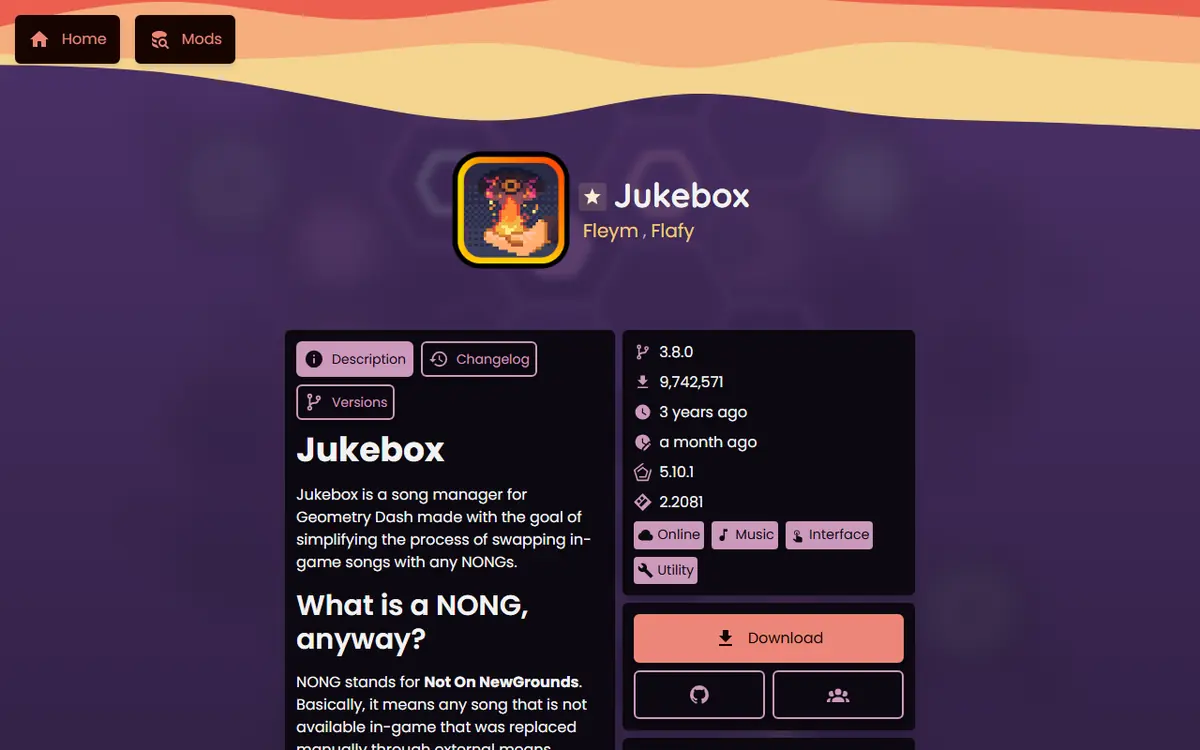
| Jukebox (Fleym) | "A simple song manager for Geometry Dash" | 3.8.0 | 9,742,341 | NONG song replacement |
| Click Sounds Full (august) | Plays a sound when you press jump | 2.6.1 | 6,530,748 | Click sound effects |
| Custom Death Sound (rgc-exists) | Change death sounds, with randomization | 2.0.0-beta.9 | 804,093 | Death sound effects |
| Menu Loop Randomizer (Erymanthus) | Menu loop randomizer | 1.14.5 | 734,567 | Main-menu music variety |
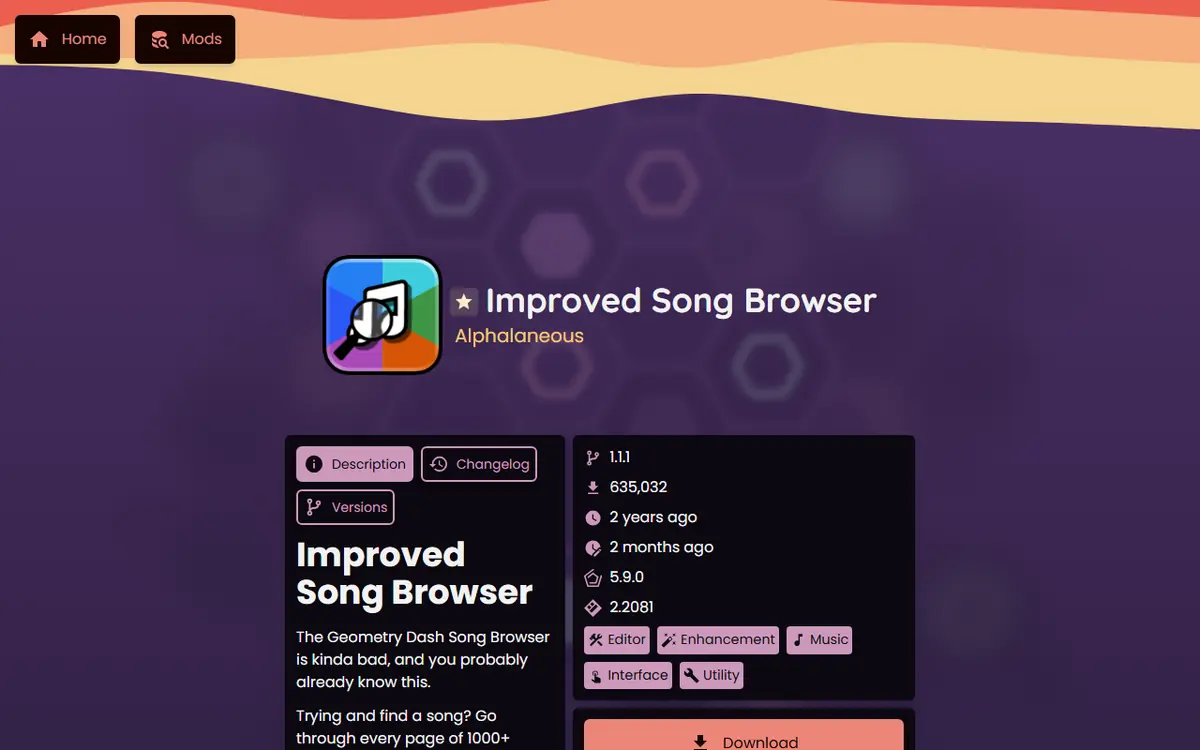
| Improved Song Browser (Alphalaneous) | Song search and filtering | 1.1.1 | 635,021 | Finding songs faster |
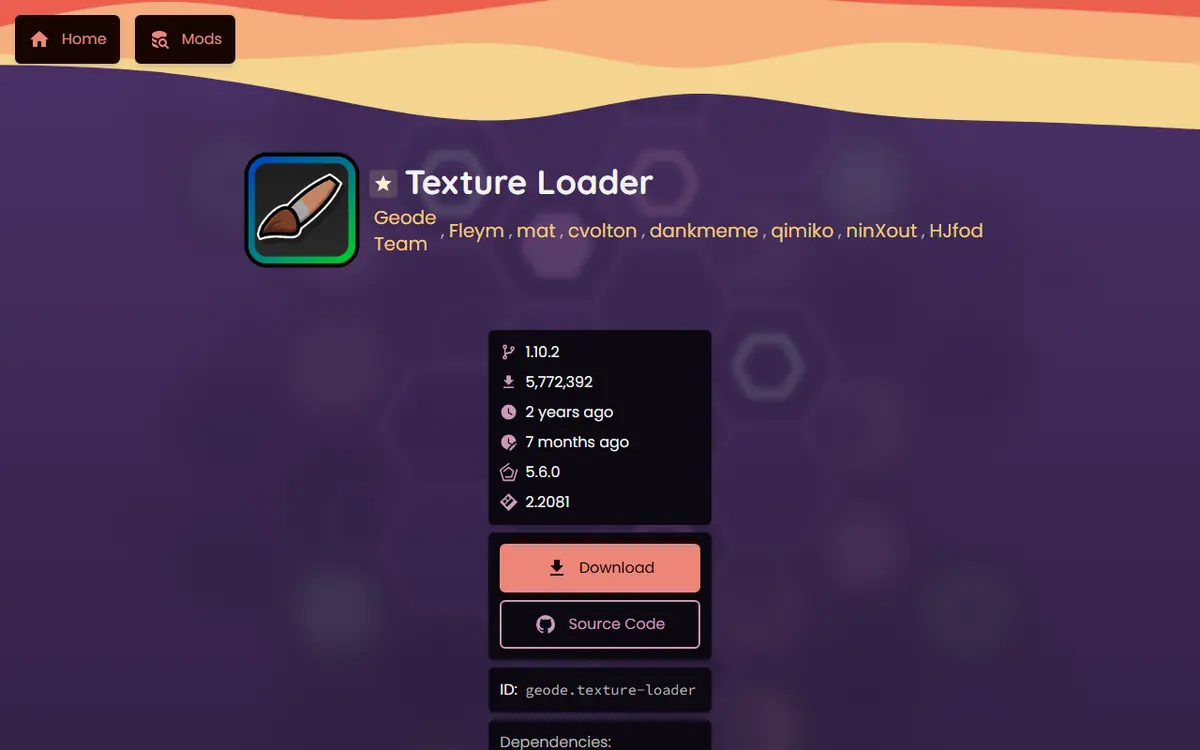
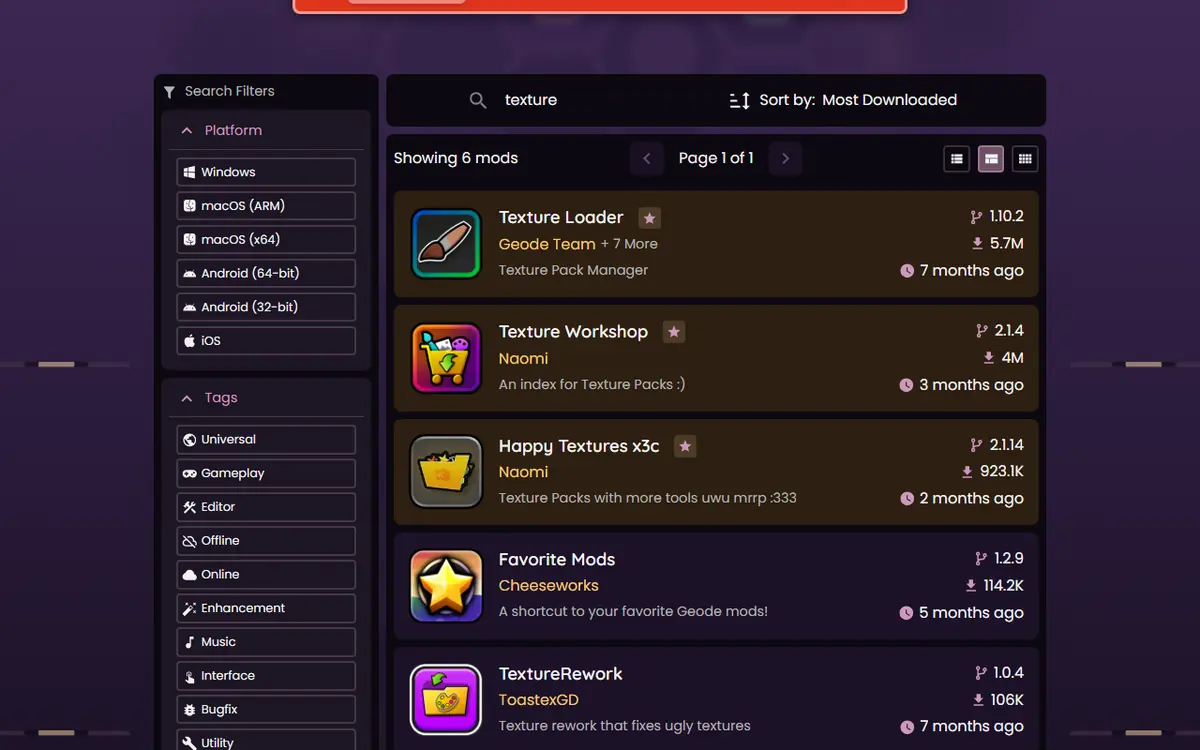
| Texture Loader (Geode Team) | "Texture Pack Manager" | 1.10.2 | 5,772,257 | Applying texture packs |
| Texture Workshop (Naomi) | An index for texture packs | 2.1.4 | 4,030,879 | Browsing packs in-game |
| Happy Textures x3c (Naomi) | Texture packs with more tools | 2.1.14 | 923,133 | Extra pack features |
All of them are free in the index. For more categories, see our best Geode mods guide.
Jukebox Deep-Dive: Replacing Level Songs
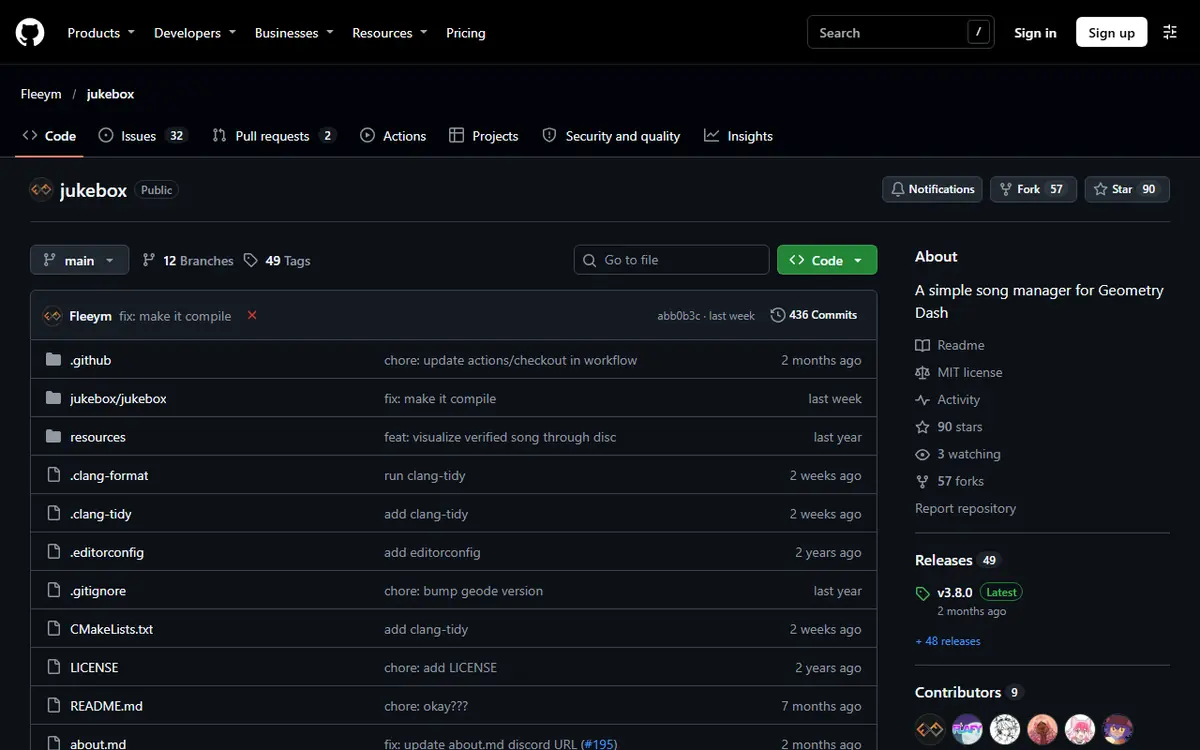
Jukebox's README describes it as a song manager that makes it easier to swap in-game songs with NONGs, songs that are not available in-game and that you replace manually. Instead of renaming audio files inside the game folder, you manage replacements from a menu, per level.
Opening the Jukebox menu
Install Jukebox from the in-game Geode menu, restart, then open any level page. The README says you open Jukebox by clicking the song name on a level page. The song management screen lets you add, remove, download and swap songs for that level.
Importing your own MP3
- Get the song as an MP3 file that you are allowed to use.
- Open the level's Jukebox menu and choose to add a song.
- Import the MP3 and enter a song name and author so it is easy to manage later.
- Select it as the active song for that level and play.
Jukebox copies imported songs into the storage folder Geode assigns to it, and the README notes you can open that folder from in-game. Because the copy lives there, deleting the original MP3 later does not break the replacement.
Downloading from song indexes
Jukebox can also download songs in-game from configurable sources it calls indexes. By default it includes the Song File Hub index, which the README describes as a database of NONGs made for Geometry Dash. You can add your own indexes, though the author says more documentation is still coming.
Other Audio Mods Worth Knowing
Improved Song Browser adds search and filtering to the game's song browser, which helps when you audition many tracks. Click Sounds Full plays a sound when you press a jump button, Custom Death Sound changes death sounds with optional randomization, and Menu Loop Randomizer varies the main-menu music. Creators who sync levels to music should also read our Geode guide for level creators.
Texture Packs With Texture Loader
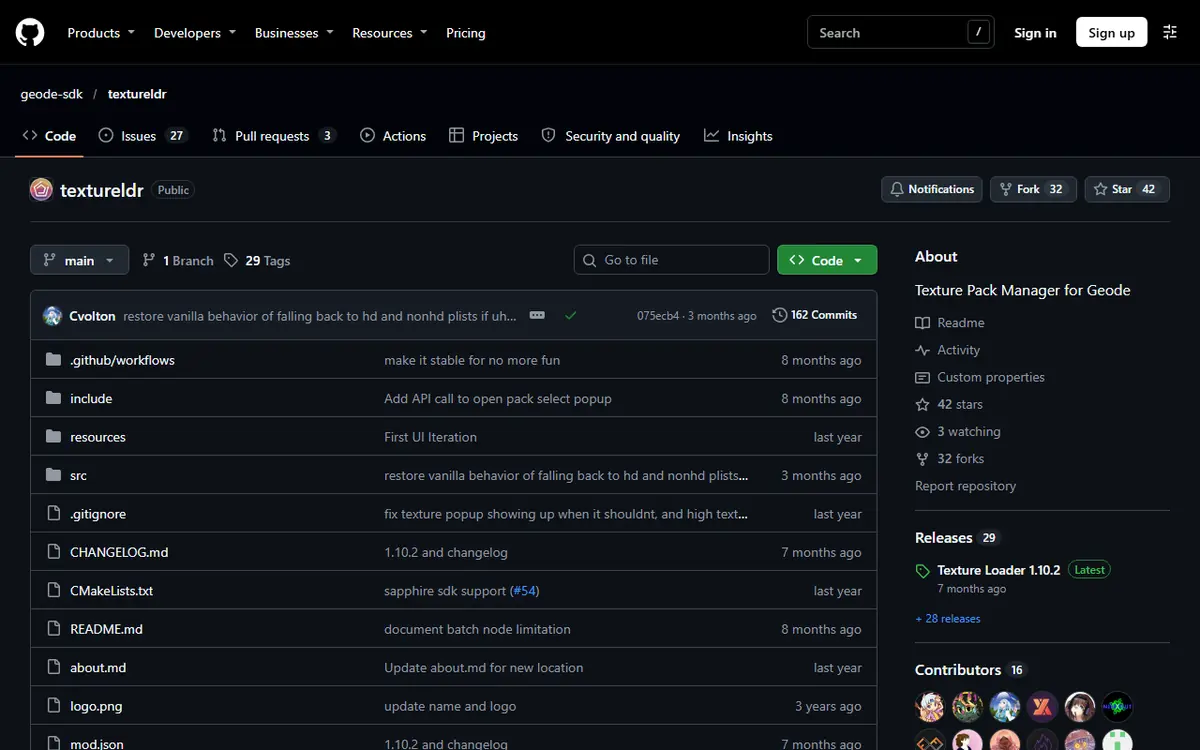
Texture Loader is maintained by the Geode Team and described in the index as a "Texture Pack Manager". Its README explains that packs can be distributed as a ZIP file or worked on as a local folder, and that local folder packs go in its packs/ directory.
Pack format rules from the README
- Files at the root. For ZIP packs, the files must be at the root of the ZIP. A ZIP that contains a folder that contains the files is the classic mistake.
- Optional
pack.png: a custom icon placed at the root. - Optional
pack.json: name and info fields (textureldr,name,id,version,author). The README says onlynameis currently used. - Mod resources: to retexture a mod, put replacement files in a folder named after that mod's ID.
Stacking several packs
Texture Loader lets packs stack. A pack only needs the sprites it changes inside a spritesheet; missing textures load from other selected packs or from vanilla resources. The README notes one exception: stacking does not work with batch nodes, so level object spritesheets must be complete. If a level looks broken with two packs, the order or completeness of object spritesheets is the first thing to check.
Finding Packs With Texture Workshop and Happy Textures
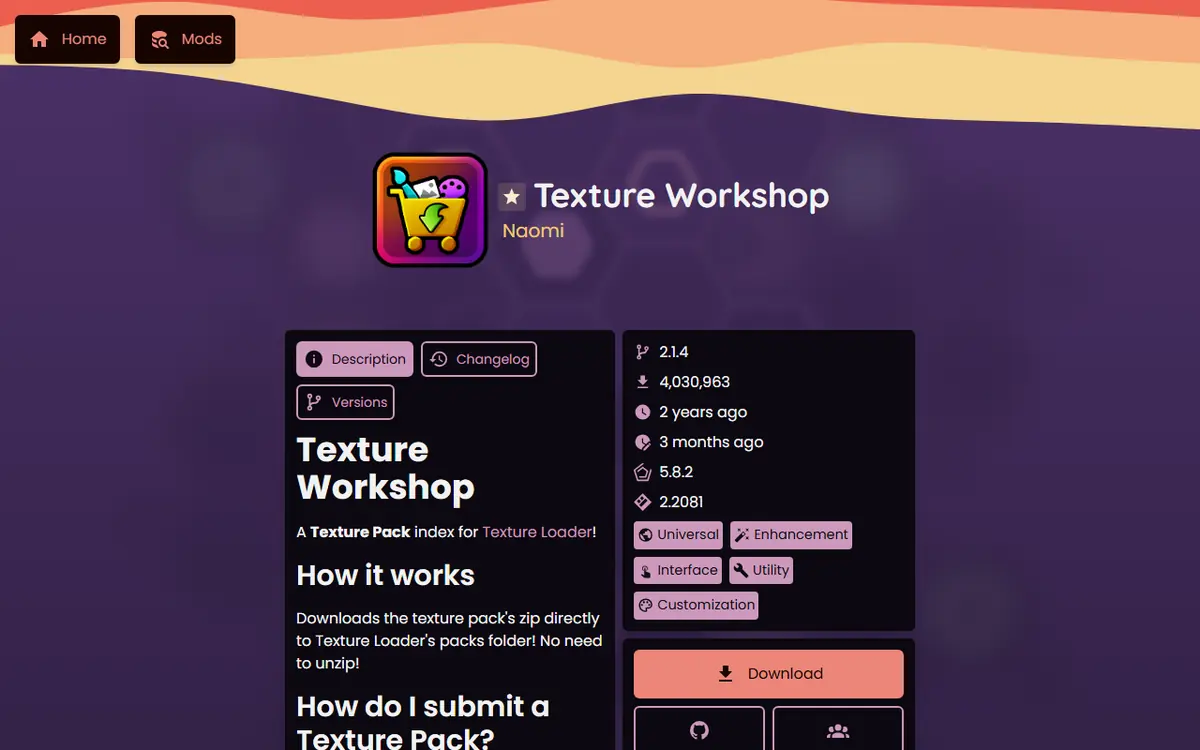
Texture Workshop, by Naomi, is described as an index for texture packs, so you can browse packs from inside the game instead of hunting through websites. Happy Textures x3c, also by Naomi, adds more texture pack tools. Install either from the in-game browser or the official mods index; our Geode mods browser guide shows how searching and installing works.
Building a Personal Song and Pack Library
Once you start replacing songs and stacking packs, a little organisation saves a lot of time later. These habits keep a growing library manageable:
- Name songs properly on import. Jukebox asks for a song name and author. Fill both in, even for quick tests, so you can tell remixes and versions apart months later.
- Keep the originals in one folder. Jukebox stores its own copy, but a tidy personal folder of the MP3s you imported makes it easy to rebuild on another device.
- Write down which level uses which song. A simple text file with level names and the replacement you chose is enough.
- Give packs clear names. Texture Loader uses the
namefield ofpack.json, so set it when you build or edit a pack. - Change one thing at a time. Add one pack or one song, check it, then add the next. If something breaks, you know exactly what caused it.
Moving your setup to a new device
Installing the mods again on a new device is easy: open the in-game browser and install Jukebox and Texture Loader. Your songs and packs are separate files, though, so copy your personal folders across and re-import them. Your progress and levels come back through your Geometry Dash account save, while songs and packs are your own files to carry over. Plan for that before you wipe or replace a device.
Moving between platforms works the same way. A pack built for the PC version can be copied to Android or iOS as long as Texture Loader is installed there and the device has enough free storage for it. Test one level after the move, and keep the PC copy as your master library so every device can be rebuilt from the same files.
Platform Notes
- Windows and macOS: all mods in the table list both platforms in the index. Pack folders live inside Geode's own folders in your game directory.
- Android: the mods list Android support. Large packs and many songs use storage, so check free space before importing. Setup help is in our Android launcher guide.
- iOS: the index lists iOS for these mods, but the iOS launcher is experimental; test one pack or song before importing many.
- Linux: runs the Windows build through Wine, so Windows instructions apply.
Troubleshooting Songs and Packs
| Problem | Likely cause | Fix |
|---|---|---|
| Replacement song does not play | Song not set as active for that level | Open Jukebox from the level's song name and select it again |
| Song is out of sync | Different version or intro length of the track | Use the exact version the level was built for |
| Pack not listed | Files nested inside a folder in the ZIP | Re-zip so files sit at the root |
| Level objects look broken | Incomplete object spritesheet while stacking | Use a complete object spritesheet or reorder packs |
| Game crashes after enabling a pack | Damaged or incompatible pack | Hold Shift while launching (Windows, Mac) for Safe Mode, then disable the pack |
| All audio mods gone after a GD update | Mods not updated for the new GD yet | Wait; the official FAQ says you do not need to reinstall mods |
On Android, press and hold the Launch button in the Geode app to start in Safe Mode, which loads no mods.
Safety and Rights
Install Jukebox and the texture mods only from the in-game Geode menu or the official index, and get Geode itself from the official install page. A texture pack or song should be an image or audio file; never run an .exe or APK that claims to be a pack. Prefer the in-game indexes these mods provide over random file hosts.
Respect music rights. Jukebox changes what you hear on your own device; it does not give you permission to publish a level built around a track. Before big changes, back up your save, and keep a copy of your imported songs and packs too, since rebuilding a large library is tedious. Our save backup and transfer guide explains how. With those habits, Geode Geometry Dash personalisation stays easy to undo, easy to move and safe.
Frequently Asked Questions
What is a NONG song in Geometry Dash?
NONG stands for a song that is not available in-game for a level. Players replace the level's track on their own device with that song. Jukebox is the Geode mod built to manage these replacements.
Do other players hear my Jukebox song?
No. Jukebox changes what plays on your device only. Other players hear whatever their own game or their own Jukebox setup plays, and the level itself is not changed.
Where do I open Jukebox?
According to its README, you open the Jukebox menu by clicking the song name on any level page. From there you can add, remove, download and swap songs for that level.
Why is my texture pack not showing up?
Texture Loader's README says the files must sit at the root of the ZIP. A ZIP that contains a folder, which then contains the files, is the most common mistake. Also check the pack is selected and restart.
Can I use several texture packs at once?
Yes. Texture Loader stacks packs: a pack only needs the sprites it changes, and missing textures load from other selected packs or vanilla files. Level object spritesheets are the exception and must be complete.
Are texture packs and NONGs safe to download?
Install the mods from the official Geode index. For packs and songs, prefer the in-game indexes the mods provide, avoid executable files, and never run an installer that claims to be a texture pack.
