Geode Geometry Dash setups are not only for players chasing demons. Level creators gain just as much from a mod loader that lets several tools run side by side without fighting each other. If you spend more time in the editor than in the main levels, a careful selection of mods can save hours on every project, from the first block to the final verification run.
This guide looks at Geode from a creator's point of view: which editor mods are worth installing, how to build a workflow around them, how to test efficiently with Startpos Switcher, how to handle music with Jukebox, and how to keep your creator setup stable when updates arrive. It is an unofficial guide, so it focuses on practical habits rather than speaking for the Geode team.
Version Note for Creators
We checked the official sources on November 5, 2026. The latest stable Geode, v5.11.2, works on GD 2.2081, and every editor mod listed below currently targets 2.2081 in the official index. GD 2.2091 support exists only in Geode v6.0.0-alpha.1, an alpha for developers. That alpha also reworks Geode's keybind system to integrate with RobTop's own keybinds, so expect keybind-related mods to change when v6 becomes stable. If you are mid-project, do not rush onto the alpha.
Why Level Creators Benefit From Geode
The vanilla editor is powerful but built to be approachable rather than fast. Experienced creators repeat the same small actions hundreds of times: nudging objects, hunting through tabs for a trigger, or scrolling back to a start position after every change. Mods remove that friction.
Before a shared framework existed, stacking editor tools meant injecting separate files and hoping they did not hook the same functions. With Geode, every mod hooks the game through one framework, so an editor mod, a music mod and a testing mod can all be active at once. You install from the in-game browser, dependencies such as Node IDs are pulled in automatically, every mod gets its own settings page, and you can disable a single mod instead of tearing down the whole setup.
Editor Mods Worth Knowing
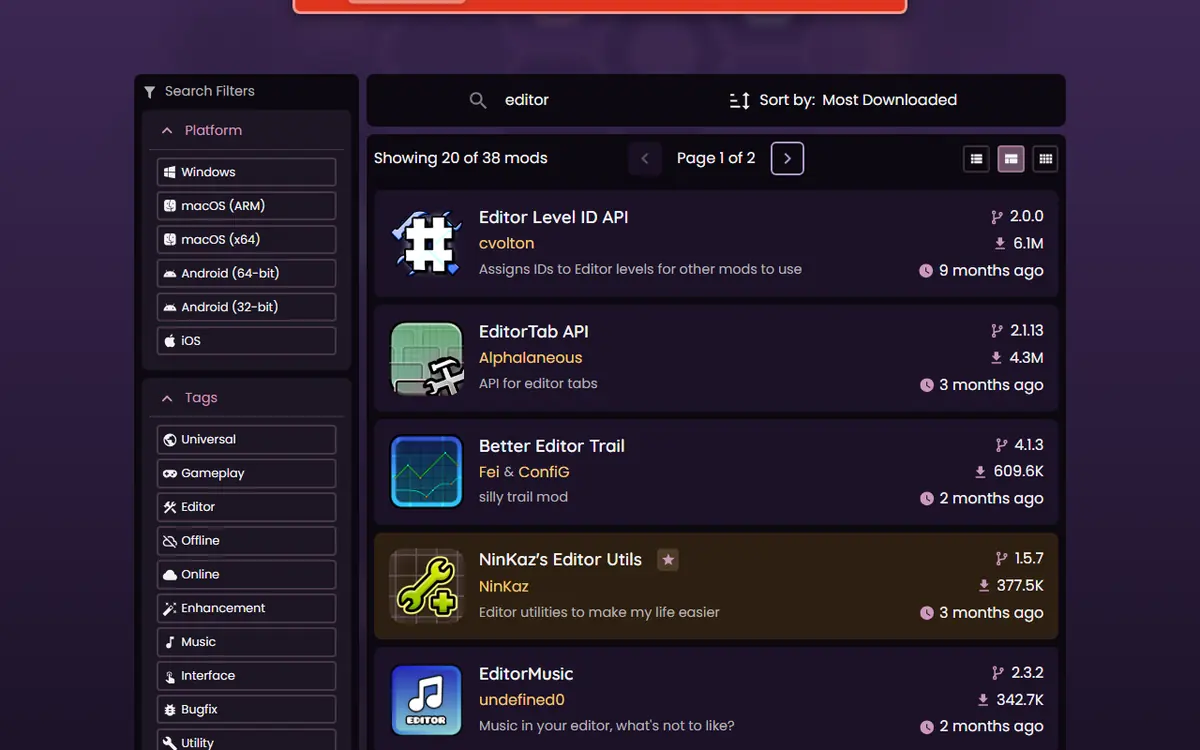
The index changes constantly, so think in categories rather than memorising a fixed list. These are well-known creator tools in the official index, with figures checked on November 5, 2026.
| Mod (creator) | What the index says | Version | Downloads | Install when |
|---|---|---|---|---|
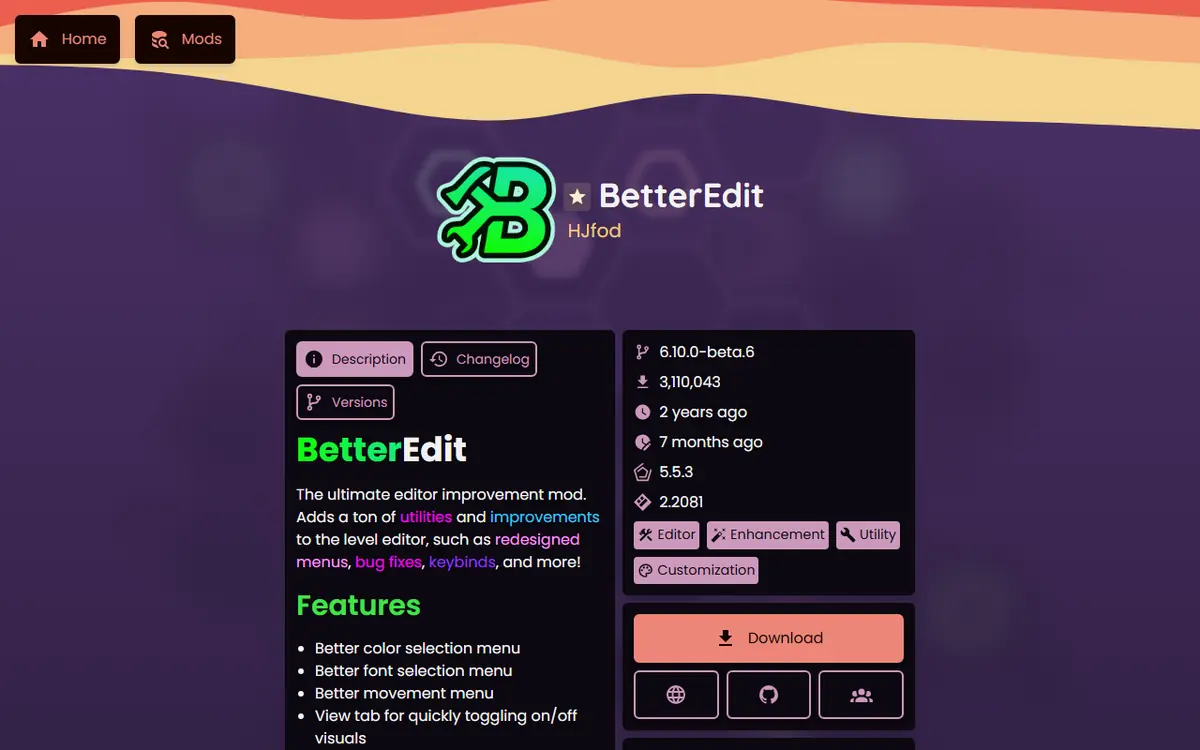
| BetterEdit (HJfod) | "The Ultimate Editor Mod" | 6.10.0-beta.6 | 3,110,001 | You build regularly |
| Custom Keybinds (Geode Team) | Custom vanilla keybind support | 2.2.2 | 8,545,337 | You want keyboard-driven editing |
| Startpos Switcher (capeling) | A start position switcher | 1.0.10 | 1,406,373 | Your level has several sections |
| Clean StartPos (BlueBlock6) | All StartPos options on one page | 2.1.3 | 953,784 | You place many start positions |
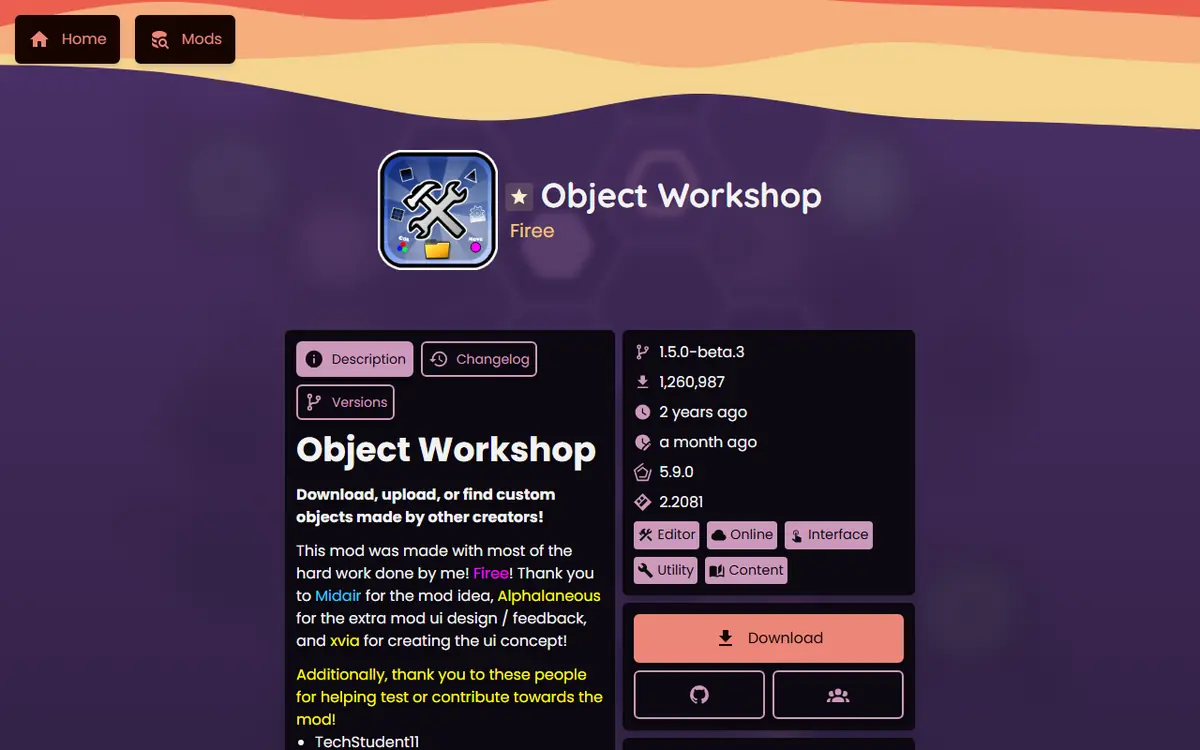
| Object Workshop (Firee) | Download, upload or find custom objects | 1.5.0-beta.3 | 1,260,960 | You reuse decoration objects |
| Allium Drawing Tool (altalk23) | "The drawing tool for Geometry Dash" | 1.0.11 | 694,952 | You draw shapes and art |
| Tinker (Alphalaneous) | "Editor Revamped" | 1.1.8 | 710,422 | You want a refreshed editor UI |
| Improved Song Browser (Alphalaneous) | Song search and filtering | 1.1.1 | 635,021 | You pick songs often |
| DevTools (Geode Team) | Developer tools for Geode | 1.14.0 | 618,162 | You also write mods |
BetterEdit
BetterEdit is one of the best-known editor mods. It focuses on making the level editor more comfortable for serious building with extra controls and interface tweaks. The current index version carries a beta label, so read its description and changelog in the browser before relying on a specific feature.
Object Workshop and Allium
Object Workshop lets you download, upload or find custom objects made by other creators, which is handy for decoration you would otherwise rebuild from scratch. Allium is a drawing tool for creating shapes and art inside the editor. Both are good examples of tools that save time rather than change gameplay.
Custom Keybinds
Keyboard shortcuts are where much of your editor speed comes from. Custom Keybinds, maintained by the Geode Team, lets you remap controls so the actions you use most sit under your fingers. Write your layout down outside the game so you can rebuild it quickly after a reinstall.
Building a Creator Workflow Around Mods
Installing a long list of mods is easy. Turning them into a workflow that speeds you up takes planning.
- Start with a core of three: an editor mod, a keybind mod and a testing tool. Use them on a real project for a week.
- Add one mod at a time. If the editor misbehaves, you know which change caused it.
- Design shortcuts once. Group related actions, keep common ones near the home row, and avoid clashes with gameplay controls you use while playtesting.
- Separate building from playing. Keep cosmetic or gameplay-only mods disabled during long editor sessions and restart after toggling.
For broader picks outside the editor, see our best Geode mods by category.
Collaborating and Sharing Work in Progress
Collaborations, or "collabs", are common in the Geometry Dash community, and they add their own risks: several people editing parts of one level, files passed around in chats, and different mod setups on each machine. A few habits keep collabs calm.
- Agree on a mod baseline. Tell your partners which editor mods you use. Most editor tools change how you build, not what the level contains, but objects and settings created with a specific mod's features should be checked in vanilla before you merge parts.
- Share levels as files. GDShare, by HJfod, is listed in the index as a way to share levels as files. Exporting a part as a file keeps a dated copy of every handoff, which is useful if a merge goes wrong.
- Keep your own copies. Before importing a partner's section, duplicate your level so the previous version survives.
- Verify in vanilla. Before the final upload, disable editor mods and play the full level once. That catches anything that only behaved because of a mod.
These steps cost a few minutes per handoff and can save a whole collab from a single bad import.
Testing Levels With Startpos Switcher
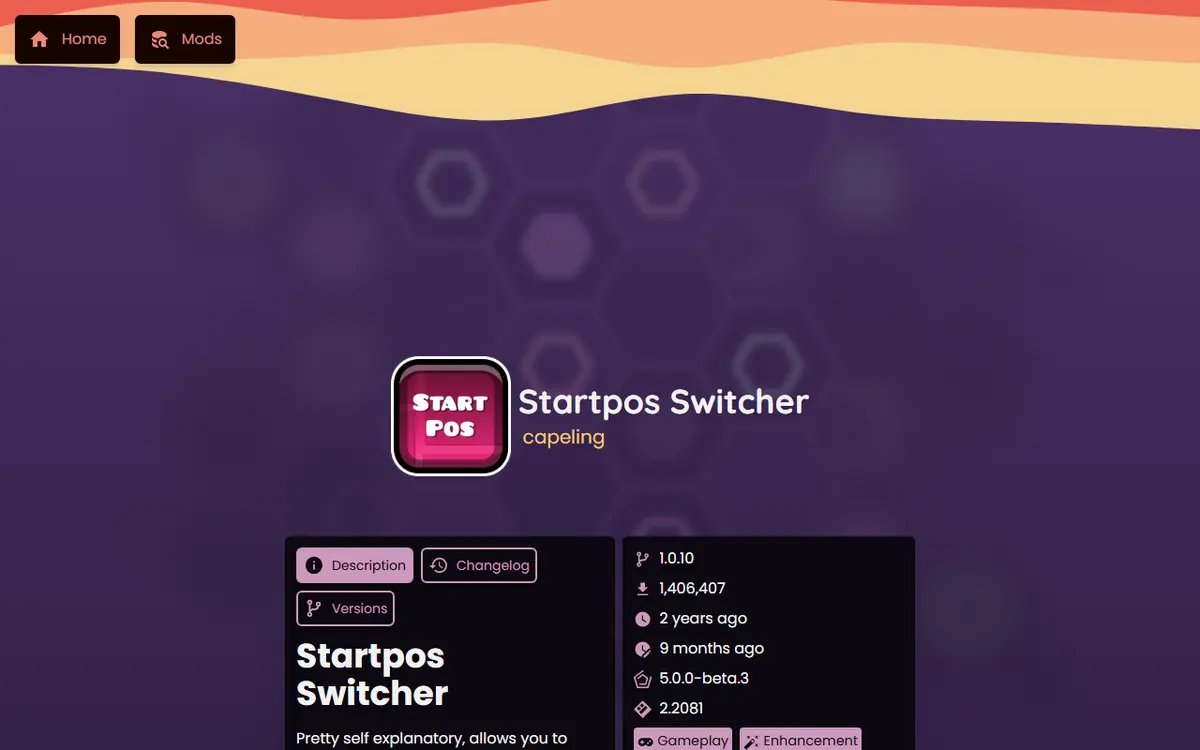
Testing is where creators lose the most time. Playing a two-minute level from the start every time you adjust one transition is exhausting. Startpos Switcher lets you move between the start positions already placed in a level while testing, without re-entering the editor each time.
A practical testing routine
- Place a start position before each new section as soon as you begin decorating it.
- Test that section in isolation until the gameplay feels right.
- Switch back one start position and play through the transition.
- Finally, play from the very beginning without start positions to check the overall flow.
Remove start positions before you upload and always complete a full verification run. A level that only works from a start position is not finished. Some menus include cheat-type options such as noclip; they can help check decoration quickly, but keep them off for any run that counts, since using them on rated or leaderboard completions can lead to a leaderboard ban.
Handling Audio With Jukebox
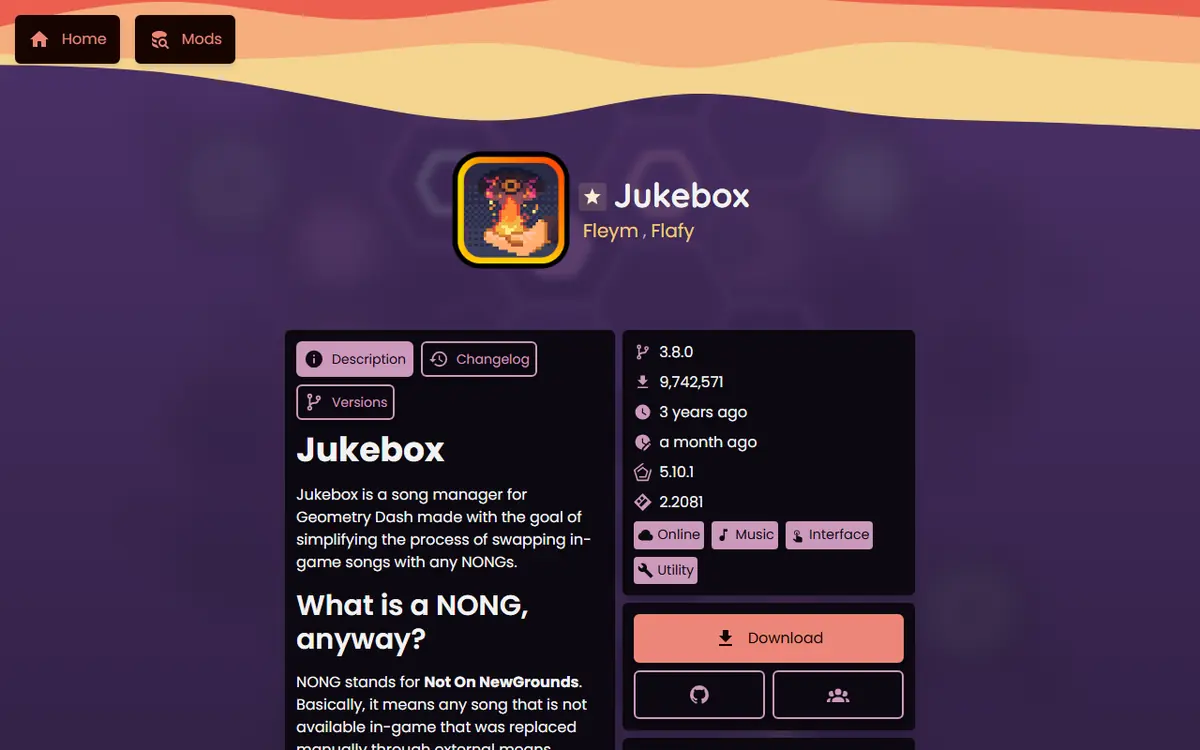
Music is half of a Geometry Dash level. Jukebox, by Fleym, is the most-downloaded audio mod in the index (9,742,341 downloads, version 3.8.0). Its README describes it as a song manager that makes it easier to swap in-game songs with NONGs, songs not available in-game that you replace manually. You open it by clicking the song name on a level page. Improved Song Browser adds search and filtering to the game's song browser, which helps when you audition many tracks.
Keep audio rights in mind
Replacing a song locally is not the same as having permission to publish with it. Before you upload, choose a track you are allowed to use through the game's normal song options. Lock the final song before detailed sync, note your offsets, and do a last check with the exact song players will hear. Our texture packs and NONG songs guide covers Jukebox in depth.
Platform Notes for Creators
- Windows and macOS: the official installer finds your Steam folder or lets you pick it. A keyboard makes keybind mods far more useful.
- Android: Geode runs through the official launcher with your full Play Store game. Editor mods in the table list Android support in the index.
- iOS: the launcher is experimental; JIT-less setups give only partial mod support, so test editor mods before a big session.
- All platforms: Geometry Dash Lite is not supported, so creators need the full game.
Troubleshooting a Creator Setup
| Situation | Recommended action |
|---|---|
| GD update announced | Back up saves and sync your account before updating |
| Crash on launch after adding a mod | Hold Shift while launching (Windows, Mac) to start in Safe Mode, then disable the newest mod |
| One editor mod misbehaves | Disable it and check its index page for an update |
| Geode does not support the new GD yet | Wait for a compatible release instead of reinstalling repeatedly |
| You must keep building urgently | Work in vanilla with mods disabled and save often |
The official FAQ says you will not need to reinstall mods after an update; they stay unavailable until their developers update them. Our update cycle and rollback plan explains how to plan around these gaps.
Staying Safe as a Creator
Creators have more to lose than casual players, because accounts hold uploaded levels and saves hold unfinished work. Download Geode only from the official install page or the geode-sdk GitHub organization, and mods only from the in-game browser or the official mods index. Avoid "Geode APK" mirrors and cracked bundles, and never type your Geometry Dash password into any setup tool.
Protect unfinished levels before every big change. The Backups mod by HJfod ("Never lose your progress again!") and GDShare ("Share levels as files") are both in the index, and our save backup and transfer guide shows manual methods too. If you later want to build your own editor tool, our first Geode mod tutorial is the next step.
Frequently Asked Questions
Which Geode Geometry Dash mod should a new creator install first?
Most builders start with BetterEdit, then add Custom Keybinds and Startpos Switcher. That trio covers faster building, faster input and faster testing without overloading your setup. Add others one at a time.
Can editor mods damage my unfinished levels?
Problems are rare, but crashes happen, especially after game updates or with beta mods. Save often, keep a local save backup and sync to your account so a crash never costs more than a few minutes.
Is BetterEdit stable?
The current index version of BetterEdit is 6.10.0-beta.6, so it is labelled a beta. Many creators use it, but keep backups and disable it first if the editor behaves strangely.
Does Jukebox let me publish levels with any song?
No. Jukebox changes which song plays on your own device. What other players hear depends on the song options the game provides, so pick a track you are allowed to use before you publish.
What should I do when a Geometry Dash update breaks my editor mods?
Wait for a stable Geode release and mod updates, avoid repeated reinstalls, and build in vanilla with mods disabled if you must keep working. On 2.2091 only the developer alpha of Geode exists right now.
Do I need DevTools as a level creator?
Usually not. DevTools is described as developer tools for Geode and is mainly for people inspecting the game's interface while writing mods. Builders can skip it unless they also code.
